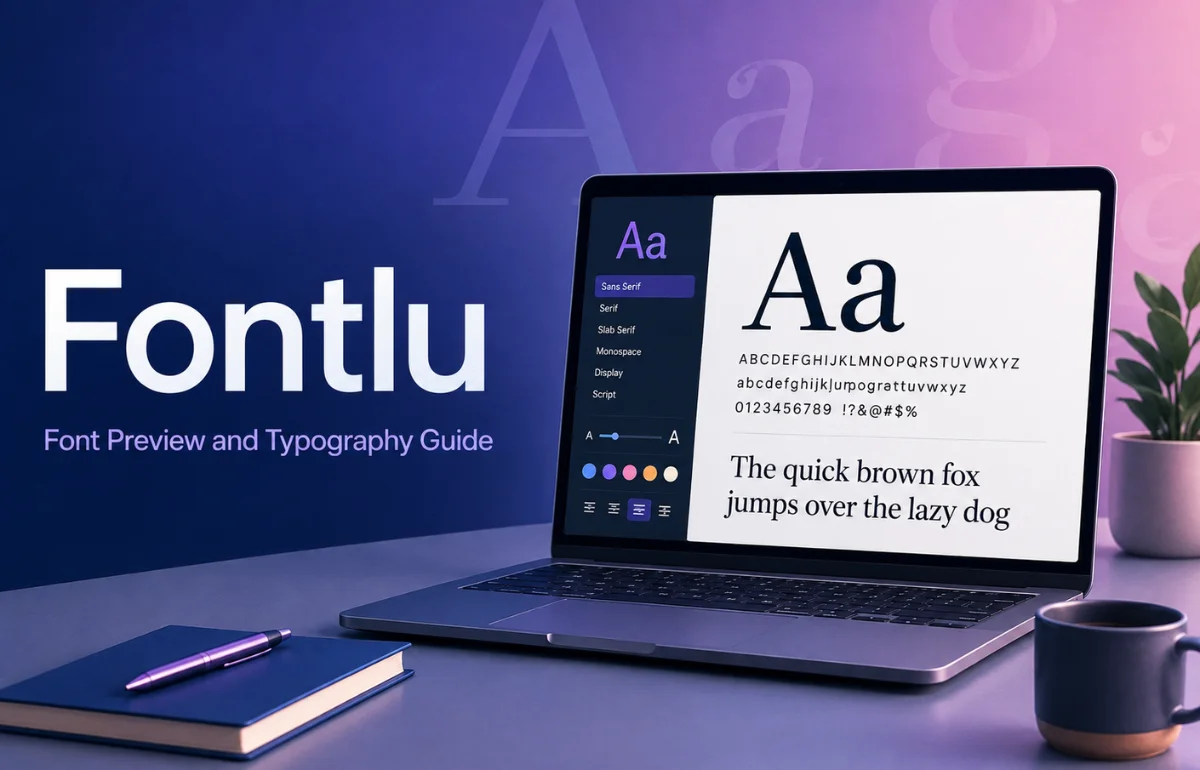
Fontlu is a font-focused website that presents itself as a resource for discovering, previewing, and using typefaces for design projects. On the current public homepage, I found a browser-based “Font Creator Tool” where users can enter text, choose a font, change the font size, preview the result, and copy the text. The visible choices include familiar fonts such as Arial, Verdana, Courier New, Comic Sans, and Times New Roman. The site also describes Fontlu as a place to find free and premium fonts for personal and professional use.
Some third-party articles describe Fontlu as a much more advanced typography platform with pairing systems, integrations, APIs, and other professional tools. I would not assume those claims are current without checking the live site. Based on what I can verify today, Fontlu is better understood as a lightweight font resource and text-preview destination.
What Is Fontlu Used For?
Fontlu is aimed at people who want to experiment with typography without immediately opening a desktop design application. Its most obvious use is simple: type a word, headline, brand name, or short phrase and see how it looks in a different font.
I find this type of tool useful early in a design decision. Before worrying about kerning, webfont loading, or a full brand system, I first want to know whether the text feels formal, casual, technical, editorial, playful, or bold.
Fontlu can help with that visual first pass.
The site’s own description also says users can find, preview, and download fonts, with both free and premium options, and notes that licensing can differ between personal and commercial use. That last point is more important than it may sound. A font that is free to download is not automatically free to use in a client logo, paid advertisement, product package, website, app, or merchandise.
What I Found When I Checked Fontlu
One problem with many articles about Fontlu is that they repeat feature lists without showing what is actually visible on the website. I prefer separating verified functionality from marketing-style descriptions.
Here is the clearest picture I could build from the current public site:
| Fontlu element | What is currently visible or stated | What I would verify before relying on it |
|---|---|---|
| Text preview | Enter text and preview it in a chosen font | Whether more advanced preview controls are available elsewhere |
| Font choices | The homepage tool shows several common fonts | Size and depth of any larger font catalog |
| Font size control | A font-size input is included | Responsive or variable-font controls |
| Copy function | The tool includes a “Copy Text” action | Whether it copies styled text consistently across platforms |
| Downloads | The site says fonts can be downloaded | Exact font pages, source, file contents, and license terms |
| Free/premium fonts | The site states that both may be available | Pricing, purchase process, and license scope |
| Formats | The site mentions TTF and OTF as typical formats | Which formats are attached to each specific font |
I also noticed that Fontlu.net is not organized solely as a font library. Its public homepage currently contains broader editorial categories such as Health, Business, Lifestyle, and Fashion alongside the font tool. That does not make the font utility unusable, but it does mean I would treat the site differently from a dedicated type foundry or a mature font-distribution service.
Fontlu’s “Font Creator Tool” Is Really a Preview Tool
The name “Font Creator Tool” can create the wrong expectation.
A true font-creation application normally lets a designer build or edit glyphs, adjust curves, define spacing and kerning, manage OpenType features, and export an actual font file. FontForge, for example, identifies itself as an open-source font editor.
What I can see on Fontlu is much simpler: users type text, select an existing font, adjust its size, preview it, and copy the result.
So if your goal is to design a new typeface from scratch, Fontlu should not be confused with dedicated font-design software. If your goal is to test the visual feel of text quickly, the lightweight approach makes more sense.
Who Can Benefit From Fontlu?
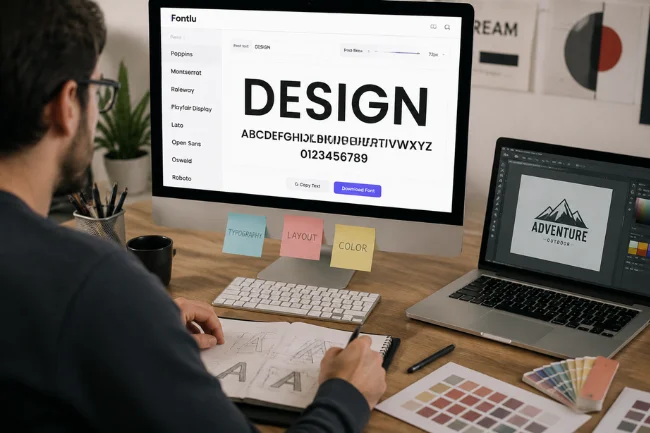
Graphic Designers
A graphic designer can use Fontlu as a quick typography sandbox for testing headlines, logo wording, poster text, or social graphics before moving into Illustrator, Photoshop, Figma, Canva, or another production tool.
I would use it for initial visual comparison, not as the final authority. Production work still requires checking weights, spacing, glyph coverage, licensing, and behavior inside the target software.
Website Owners and Developers
For web work, Fontlu can help with appearance, but appearance is only one part of choosing a web font.
A developer also needs to think about the font file format, loading method, browser support, file size, language coverage, fallback fonts, and licensing. Google Fonts, for example, provides an official developer API and releases its fonts under open-source licenses for commercial and non-commercial projects.
That makes a dedicated service easier to evaluate for production websites.
Small Businesses and Brand Owners
Font selection affects how a brand is perceived, but I would never choose a business font based on appearance alone.
Before adopting a typeface for a logo or brand system, I check whether the license permits commercial use, whether the family has enough weights, whether punctuation and required languages are supported, and whether the typeface remains readable at small sizes.
Those checks save expensive redesigns later.
Understanding Font Licensing Before You Download Anything
This is the area where I think users should be most careful.
Fontlu itself states that many fonts may be free for personal use while some require a commercial license. That means “free” should be treated as a starting point, not a complete permission statement.
When I evaluate a font, I look for the license attached to that specific file or family. I check commercial design, logos, web embedding, apps, merchandise, redistribution, and modification rights because the rules vary by font and provider.
Google Fonts takes a relatively clear approach: its fonts are released under open-source licenses and may be used in commercial and non-commercial projects. Adobe Fonts also permits commercial design uses under its current licensing terms, although some use cases have specific restrictions and webfonts must follow Adobe’s hosting rules.
My rule is simple: never rely on a blog post, filename, or “free download” badge as proof of commercial rights. Read the license from the font source.
TTF, OTF, and Web Fonts: What the Formats Mean
Fontlu mentions TTF and OTF as common downloadable formats. These are widely used desktop font formats, but the format alone does not tell you whether the font is legally usable or technically ideal for every project.
| Format | Typical use | Practical consideration |
|---|---|---|
| TTF | Desktop design and broad software compatibility | Common and convenient, but still subject to the font’s license |
| OTF | Desktop publishing and professional typography | May include advanced OpenType features depending on the font |
| WOFF/WOFF2 | Websites | Optimized for browser delivery; license must allow web use |
For a logo created in a graphics application, TTF or OTF may be perfectly suitable. For a live website, I generally look for properly licensed webfont files or a reputable hosted service.
Fontlu vs. Google Fonts vs. Adobe Fonts
Fontlu is easiest to understand when it is compared with established alternatives.
| Platform | Best suited to | Licensing clarity | Current strength |
|---|---|---|---|
| Fontlu | Quick font/text exploration | Must be checked per font | Simple browser preview and font-resource positioning |
| Google Fonts | Free web and design fonts | High; open-source collection | Free catalog, CSS delivery, developer tools |
| Adobe Fonts | Professional creative workflows | High within Adobe terms | Large professional library and Creative Cloud integration |
Google says all fonts in Google Fonts are open source and available for commercial and non-commercial projects. Adobe states that Adobe Fonts can be used for commercial projects, while its webfont documentation explains the required hosted implementation.
Fontlu may still appeal when you simply want a quick visual experiment. For production work, though, I prefer a platform that makes ownership, licensing, font files, language support, and delivery methods easy to verify.
How I Would Evaluate a Font I Found Through Fontlu
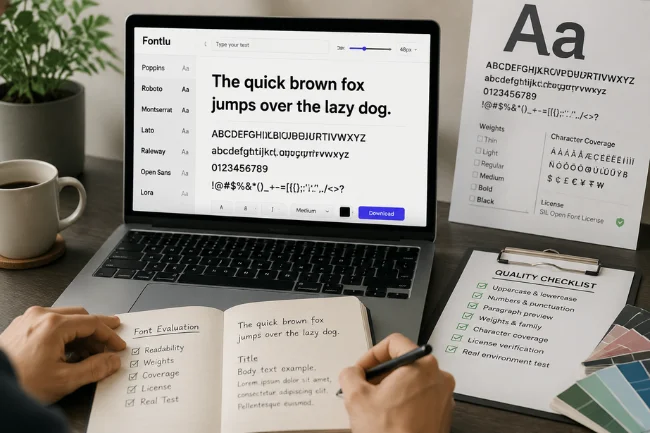
I use a short quality check before committing to any new typeface.
First, I test more than a brand name or headline. I preview uppercase and lowercase letters, numbers, punctuation, prices, dates, and a full paragraph. A font can look excellent in a short logo and become tiring in body copy.
I also inspect the family weights and character coverage, especially for accented names, multilingual websites, currency symbols, and international audiences. Then I verify the license at the original source; if I cannot identify the designer, foundry, license, or authorized distributor, I do not use the font commercially.
Finally, I test it in the real environment. Web fonts should work on mobile and slower connections, print fonts should be proofed at actual size, and logo fonts should remain recognizable when reduced.
Is Fontlu Safe and Legitimate to Use?
Fontlu.net is a live website with a functioning public font-preview interface and site copy describing its font-resource purpose. That is what I can verify directly.
What I would not do is treat every third-party claim about Fontlu as confirmed. Search results contain articles that describe advanced font management, pairing, marketplace, API, and integration capabilities, but those features are not all clearly demonstrated on the public homepage I reviewed.
For ordinary browsing, I would approach it as I would any lesser-known font site: keep the browser updated, inspect download links carefully, scan downloaded files with normal security tools, and confirm the license and source before installing or distributing anything.
Where Fontlu Fits in a Modern Typography Workflow
I see Fontlu as an exploration tool, not the entire workflow.
It can help answer, “What typographic mood am I looking for?” From there, professional work moves into licensing, family weights, language support, web performance, and client usage rights.
A simple preview can still save time by helping you reject weak choices early. The mistake is expecting a preview utility to replace a font foundry, license database, professional font manager, or full type-design application.
FAQs About Fontlu
What is Fontlu?
Fontlu is a font-focused website that offers a simple text-and-font preview tool and presents itself as a resource for finding and using fonts.
Is Fontlu free to use?
The public preview tool is accessible on the site, while Fontlu states that its font offerings may include both free and premium options.
Can I use Fontlu fonts commercially?
Only if the license for the specific font permits commercial use. Do not assume a free download automatically includes business, logo, web, or merchandise rights.
What font formats does Fontlu support?
Fontlu’s site mentions TTF and OTF as typical downloadable font formats, but I recommend checking the exact format and license on each font before use.
Is Fontlu better than Google Fonts?
Not for every purpose. Fontlu is useful for quick exploration, while Google Fonts offers a clearly documented open-source collection, web delivery, and developer tools.
Is Fontlu Worth Trying?
Fontlu is worth exploring if you want a quick way to test how words look in different type styles or you are researching font resources. I especially like the simplicity of being able to enter text and get an immediate visual comparison without setting up a full design project.
For professional work, I would go one step further. Verify the font source, read the license, test the complete character set, and compare the final choice with established libraries such as Google Fonts or Adobe Fonts.
If you are choosing a typeface for a real brand, website, product, or client project, use Fontlu for discovery—but make licensing, readability, technical compatibility, and long-term availability part of the final decision.

Noah Sterling is a technology research writer with 8+ years of experience covering emerging technologies, software trends, digital tools, and innovation. He creates practical, research-based articles to help readers understand the evolving technology landscape.