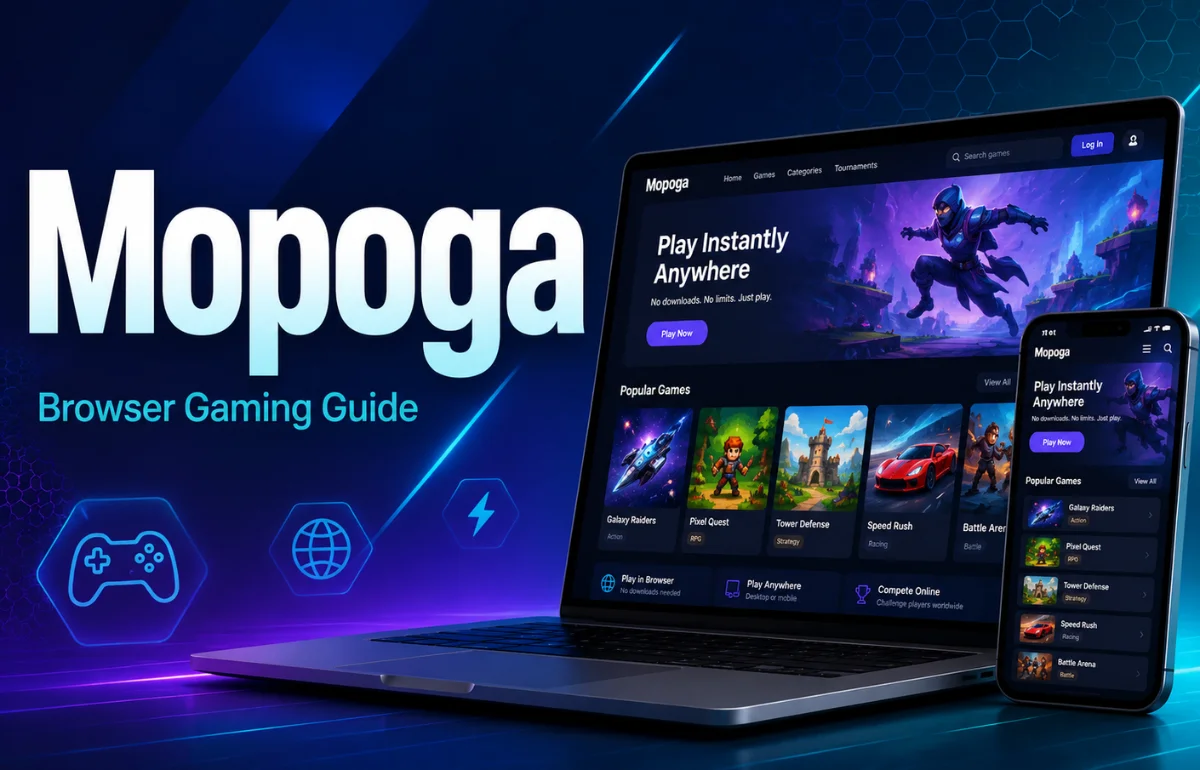
Mopoga is an adult-oriented browser gaming platform that lets users discover and play interactive games without installing a traditional mobile app or desktop program. Instead of downloading a large installer, you open a supported game through a web browser on a phone, tablet, PC, or Mac.
The platform was launched in 2020, and its name originally came from “Mobile Porn Games.” Today, its library extends across several types of browser-playable interactive games, including visual novels, RPGs, simulations, fantasy adventures, and choice-driven stories. Mopoga says its games are designed with mobile access in mind, although compatibility and performance can differ from one title and device to another.
When I reviewed Mopoga’s current site, help pages, game listings, and browser-game documentation, the biggest advantage was obvious: convenience. The more interesting part, however, is what happens behind that convenience—especially with saves, privacy, updates, and device switching.
What Is Mopoga Used For?
Mopoga works mainly as a discovery and browser-play platform rather than as one standalone game.
A visitor can browse available titles, open an individual game page, read its description and tags, and then launch the supported version. On its current games portal, Mopoga says users can begin playing without creating an account and that its games are free to start.
That makes the experience different from a conventional gaming storefront where I might need to create an account, download a launcher, install several gigabytes of files, and then wait for patches before starting.
With browser gaming, much of that setup disappears. The trade-off is that the browser itself becomes an important part of the gaming environment.
How Mopoga Works in a Browser
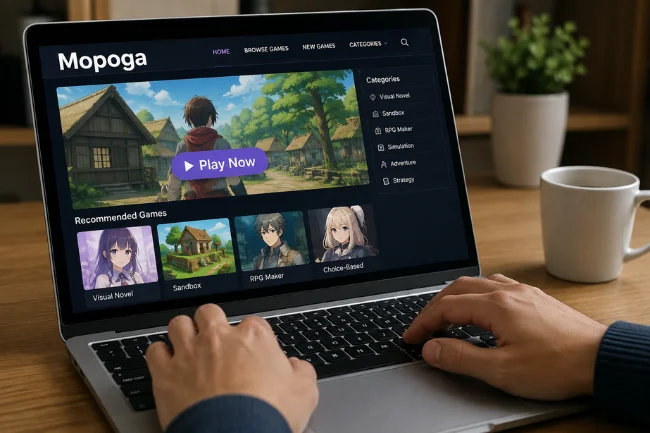
A browser game still downloads data; it simply does not use a separate traditional installer.
When a game starts, the browser may load scripts, images, audio, interface elements, and other assets required for the session. Depending on the game, web technologies can also use browser storage to remember settings or save progress.
This distinction matters because “no download” does not mean “nothing is transferred to your device.” It means you normally do not need to manually download and install an application package before playing.
Mopoga describes HTML5 as one of the technologies that allows games to run directly through a browser. Its current library also uses terms such as visual novel, sandbox, Ren’Py, RPG Maker, and choice-based simulation to help users understand different game formats.
What Types of Games Can You Find on Mopoga?
The library is broader than the name of the site might suggest.
While reviewing its current listings, I found the platform organized around genres, gameplay styles, themes, engines, and other tags. That makes Mopoga closer to a searchable browser-game catalogue than a single type of game.
Common formats include story-heavy visual novels, role-playing games, simulations, interactive fiction, fantasy adventures, turn-based games, and sandbox-style experiences.
Visual Novels and Interactive Stories
Visual novels place more emphasis on characters, dialogue, narrative choices, and branching storylines than fast reactions.
They are particularly well suited to browsers because text, images, menus, and decision systems can work effectively without requiring the hardware demands of a large 3D game.
RPG and Adventure Games
Some Mopoga titles add exploration, quests, character statistics, inventory systems, combat, or progression mechanics.
These can be considerably longer than simple browser games, which makes reliable saving more important.
Simulation and Sandbox Games
Simulation and sandbox titles usually give players more control over how they progress.
Rather than moving through one fixed sequence, a game may track relationships, resources, locations, stats, or previous decisions and use that information to determine what becomes available later.
Mopoga on Mobile vs Downloadable Game Apps
One of the clearest reasons people search for Mopoga is that they want a game that works on a phone without installing another app.
Here is the practical difference.
I would not describe either format as universally better.
Browser gaming makes sense when convenience, storage, and quick access matter most. Downloadable software can make more sense when a player wants offline access, demanding graphics, deeper operating-system integration, or dependable cloud-based saves.
Does Mopoga Work on Android, iPhone, PC, and Mac?
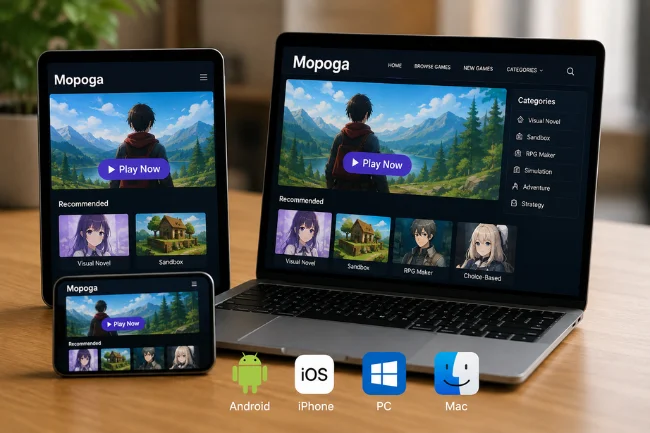
Mopoga says its games are intended to work across mobile and desktop devices, including iOS, Android, PC, and Mac. The platform originally focused strongly on mobile-friendly games and continues to promote browser access as a core feature.
That does not mean every title will behave identically everywhere.
Mopoga’s newer documentation specifically acknowledges that controls and performance can vary depending on the game, browser, and device. Mobile browsers can also have tighter memory limits, different audio rules, touch controls, and smaller available screen space.
In practical terms, a lightweight interactive story may run smoothly on an older phone while a more complex game can struggle with memory or interface scaling.
Mopoga itself advises that users may occasionally need to rotate a mobile device to landscape orientation when text or controls do not display correctly.
How Saving Progress on Mopoga Really Works
This is one of the most important details I found, and it is frequently overlooked in basic descriptions of the platform.
Many browser games save progress locally rather than automatically attaching it to a universal account.
Mopoga’s help documentation says saved game data can be stored as LocalStorage on the device. Its newer browser-game documentation also explains that local saves may use technologies such as local storage or IndexedDB, depending on the game.
That creates several practical situations users should understand.
This is why I would be cautious with the common claim that browser gaming automatically provides seamless cross-device play. Opening the same website on two devices is easy; carrying the same local save between those devices is a separate problem.
For longer games, Mopoga recommends saving frequently and using available export or “Save to Disk” features where supported.
Do You Need an Account to Use Mopoga?
Mopoga’s current games portal states that no sign-up is required to start playing.
That reduces friction for someone who simply wants to open a browser game without building another online profile.
It also explains why users should not assume that every save is automatically synchronized through an account. Without an account-linked cloud system, local browser storage often becomes responsible for keeping progress.
Individual games can still use their own systems, so save behavior should be checked title by title.
Is Mopoga Free?
The current Mopoga games portal describes its games as free to play and says no purchase is required to begin. It also notes that individual titles may contain optional extras.
That distinction is worth remembering.
“Free to play” normally describes access to the game itself. It does not necessarily mean every associated creator benefit, optional feature, external supporter tier, or linked service costs nothing.
Mopoga’s About page also notes that some independent developers can be supported through external creator platforms such as Patreon or SubscribeStar.
Is Mopoga Safe and Private?
I would separate this question into two parts: connection security and privacy.
Mopoga states that games on its newer portal are served through HTTPS. HTTPS encrypts traffic between your browser and the site while it is being transmitted, which is an important baseline security measure.
That does not make a website anonymous.
Mopoga’s privacy policy says standard server log information may include IP addresses, browser type, ISP, timestamps, referring or exit pages, and click-related information. It also describes the use of advertising technologies and third-party cookies.
Its cookie policy separately describes site-preference cookies and Google Analytics usage.
So I would not treat “browser-based” as a synonym for “private.” Browser games remove the need for a traditional installed application, but normal web privacy considerations still apply.
Because Mopoga contains adult-oriented material, users should also make sure they meet any applicable age requirements and local rules before accessing it.
What Happens If a Mopoga Game Does Not Load?
Browser games depend on several components working together, so a loading failure does not always mean the game itself is broken.
A current browser is the first thing I would check. Mopoga’s technical guidance recommends modern versions of Chrome, Safari, Firefox, or Edge because web games can depend on JavaScript, WebGL, WebAssembly, audio APIs, and other modern browser features.
Connection quality matters as well. Browser games may need to retrieve multiple assets before reaching the first playable screen.
Available memory and storage can also cause trouble on mobile devices. Closing unnecessary tabs can help when a phone is short on working memory.
One warning deserves special attention: do not immediately clear all site data as a troubleshooting shortcut.
Cached files and saved game data are not necessarily the same thing. Clearing site data can erase local progress, so export an important save first whenever the game provides that option.
What Mopoga Does Better Than a Typical Game Download
For me, Mopoga’s strongest advantage is not that browser games are inherently superior. It is that they remove commitment from the discovery process.
I can inspect a title and, when browser play is supported, start without reserving storage for an installer first.
That is particularly useful for interactive fiction and indie games where I may want to try several titles before deciding which one deserves more time.
Browser distribution can also help independent developers release updates and playable builds without forcing every user through a traditional app store or launcher.
Where Mopoga Has Limitations
The convenience comes with trade-offs.
Internet availability can affect access, complex titles may behave differently across devices, and browser storage can make save management less obvious than users expect.
Some projects are also ongoing rather than finished. Mopoga’s own About page says many featured games are active projects, which means updates can introduce new content but can occasionally create save-compatibility problems as well.
Quality is naturally uneven across a catalogue built from different developers, engines, interfaces, and development stages.
That is why I recommend checking a game’s description, update status, control requirements, save options, and mobile compatibility instead of assuming that every title will behave like the one you played before.
Who Is Mopoga Best For?
Mopoga makes the most sense for adults who prefer immediate browser access and do not want to install a separate application for every game they try.
It is especially practical for people interested in narrative games, visual novels, interactive stories, lightweight RPGs, simulations, and indie projects that translate well to browser interfaces.
Users who primarily want offline gaming, high-end graphics, guaranteed cloud synchronization, or native-device features may still prefer downloadable software.
The useful question is therefore not simply “Is Mopoga better than an app?”
It is “Which format removes the problems that matter most to me?”
FAQs About Mopoga
Is Mopoga free to use?
Mopoga currently says its browser games are free to start, although individual titles may offer optional extras.
Do I have to download Mopoga?
No. Mopoga is primarily browser-based, so supported games can be opened without installing a separate Mopoga application.
Can I play Mopoga on an iPhone or Android phone?
Yes. Mopoga supports mobile-browser gaming, although performance, controls, and compatibility can vary between individual titles and devices.
Does Mopoga save game progress?
Many games can store progress locally in your browser, but save methods vary. Changing browsers, using private mode, or deleting site data can cause local saves to disappear.
Is Mopoga safe to use?
Mopoga uses HTTPS for its current browser-game service, but normal web privacy considerations still apply because its policies describe log data, cookies, analytics, and advertising technologies.
Final Take
Mopoga is best understood as a browser-first gaming platform built around quick access to adult-oriented interactive games without the usual installation process. Its mobile support, varied game formats, and low barrier to entry make it convenient, but browser storage, device compatibility, privacy, and save management deserve just as much attention as the “no download” benefit.
Before committing to a long game, I would check its update status and save options first, use a normal browser window rather than private mode, and export important progress whenever the title supports it. That small amount of preparation can make the browser-based experience considerably more reliable.

Noah Sterling is a technology research writer with 8+ years of experience covering emerging technologies, software trends, digital tools, and innovation. He creates practical, research-based articles to help readers understand the evolving technology landscape.