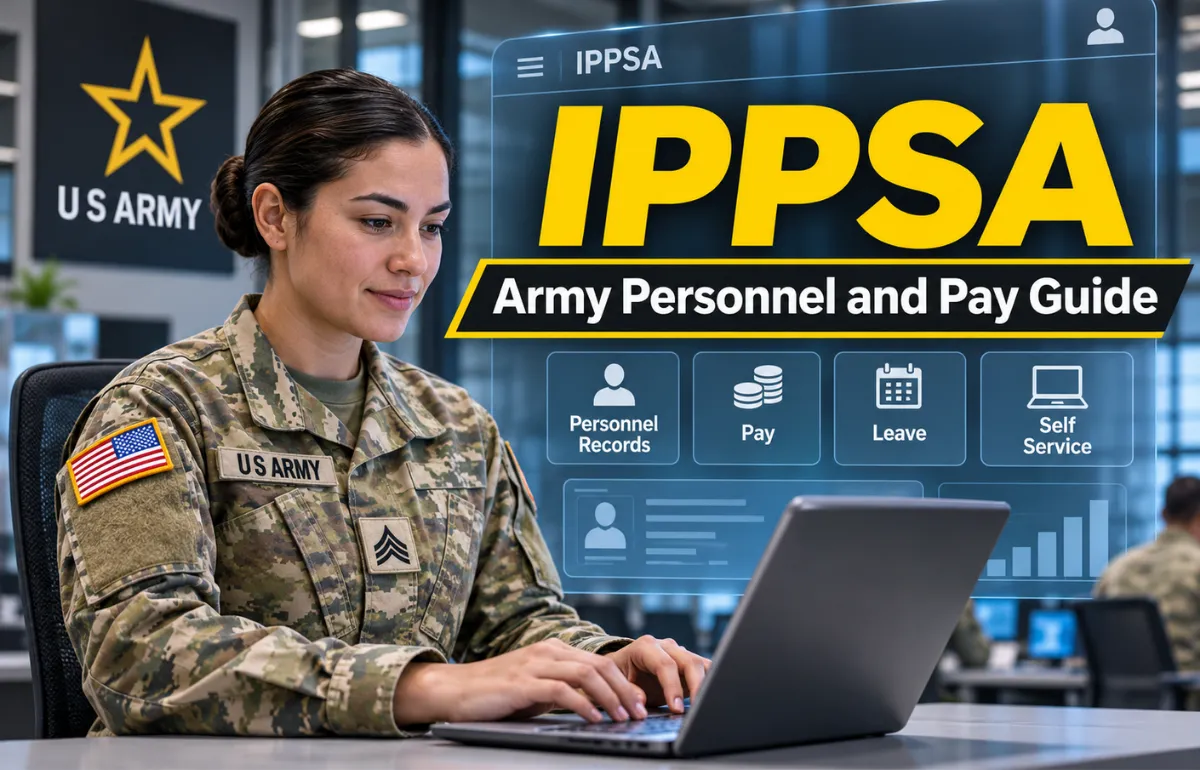
IPPSA, officially known as the Integrated Personnel and Pay System–Army (IPPS-A), is a digital human resources and personnel management platform developed by the United States Army. It connects personnel records, military pay-related processes, assignments, promotions, absence requests, and talent management within a centralized system.
The platform serves the Active Army, Army National Guard, and Army Reserve, allowing authorized users to manage military administrative tasks online.
Instead of relying on multiple outdated systems and lengthy paperwork, soldiers can access personnel information, submit requests, and monitor administrative actions through a single platform.
What I find particularly valuable about this system is its emphasis on giving soldiers greater control over their military careers. However, understanding how its features, authentication requirements, and approval processes work is essential to getting the most out of it.
What Is IPPSA and How Does It Work?
IPPSA is an integrated military human resources information system designed to modernize how the U.S. Army manages its workforce.
It brings together administrative functions that were previously distributed across different databases, applications, and personnel offices.
The system operates through a role-based access model. Soldiers, commanders, and human resources professionals receive different permissions depending on their responsibilities.
For example, soldiers can review personal information and submit administrative requests, while authorized HR professionals can process transactions and maintain personnel records.
When someone submits a request, the system routes it through the appropriate approval channels. Once the necessary approvals are completed, the transaction can update relevant records or initiate associated administrative processes.
This approach improves visibility and reduces dependence on manual communication between departments.
Why Was IPPSA Introduced?
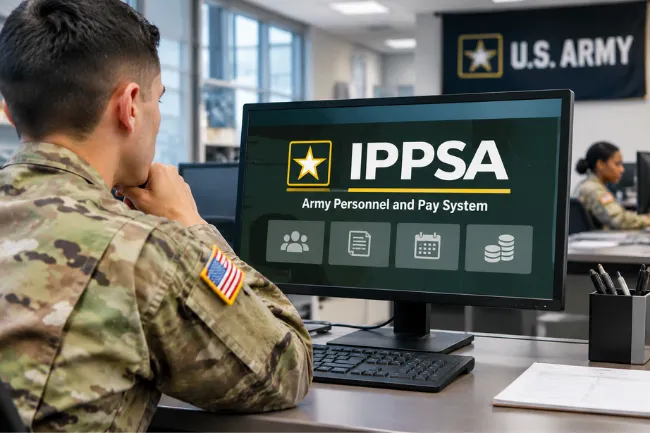
Managing personnel information across a military organization with approximately one million soldiers is a considerable administrative challenge.
Before the Army introduced its integrated platform, personnel management relied on multiple legacy systems. These systems could create fragmented records, inconsistent information, duplicated work, and processing delays.
The Army introduced IPPS-A to address these problems while improving workforce management across its three components.
Its primary objectives include:
- Centralizing military personnel information.
- Improving the accuracy of administrative records.
- Reducing unnecessary paperwork.
- Supporting military pay modernization.
- Increasing transparency in approval processes.
- Strengthening Army talent management.
- Improving personnel accountability.
Release 3 became available across all three Army components in January 2023, marking a significant milestone in military HR modernization.
The platform continues to evolve as additional personnel, orders, and military pay capabilities are introduced.
Key Features of IPPSA
The system offers considerably more than basic personnel record management. Several features directly influence a soldier’s administrative responsibilities, career development, and financial well-being.
1. Soldier Self-Service
The self-service portal allows soldiers to complete various administrative tasks independently.
Depending on their permissions, users can review personal information, update eligible details, submit requests, and monitor pending transactions.
I consider this one of the platform’s most practical features because it reduces the need to visit a personnel office for routine administrative matters.
However, certain record changes still require supporting documentation and approval from authorized personnel.
2. Soldier Talent Profile (STP)
The Soldier Talent Profile provides a consolidated view of an individual’s military qualifications, professional experience, skills, and career-related information.
An STP may contain information about military education, civilian qualifications, awards, professional certifications, language proficiency, and career preferences.
It helps authorized leaders better understand the capabilities available within their organizations.
I recommend reviewing this profile regularly, especially after completing professional training or earning a new qualification. An outdated profile may fail to reflect experience that could be relevant to future assignments.
3. Personnel Action Requests (PARs)
A Personnel Action Request is an electronic administrative request submitted through the system.
PARs support various personnel transactions, including eligible record corrections, career-related actions, and other administrative changes.
Users can monitor their requests as they move through the approval process.
This visibility is particularly useful when an action involves several reviewing authorities. Rather than assuming that a request has been processed, soldiers can check its progress.
4. Military Pay Management
IPPSA supports the Army’s efforts to connect personnel transactions with military compensation processes.
Changes involving promotions, assignments, duty status, and certain entitlements may have financial consequences.
Connecting these actions with pay-related systems helps reduce discrepancies between personnel information and compensation records.
However, military pay modernization is an ongoing transition. Soldiers should continue using the appropriate financial systems and verify their Leave and Earnings Statements.
5. Absence and Leave Management
Soldiers can submit and monitor absence requests electronically through the platform.
The Pay, Absence, Incentive Pay, and Deduction (PAID) functionality supports different absence-related transactions, including eligible ordinary leave and Permanent Change of Station absences.
Users can review submitted information and check approval progress.
Submitting an absence request does not automatically authorize leave. Soldiers must receive the appropriate approval before proceeding with their plans.
How to Access the IPPSA Login Portal in 2026
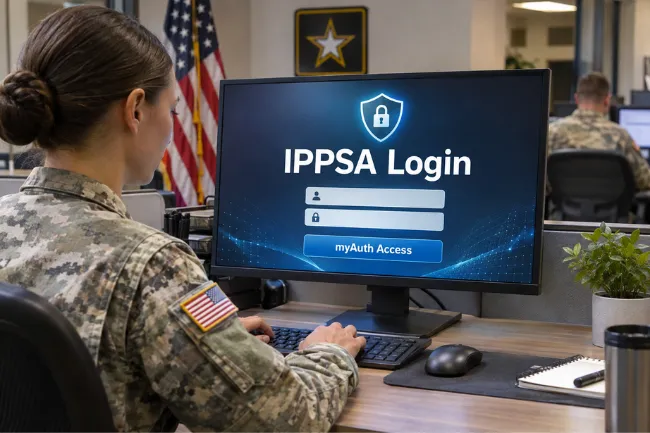
Accessing the platform requires an authorized account and the appropriate authentication method.
One major development in 2026 was the transition from DS Logon to myAuth. The Army introduced the new login requirements on August 17, 2026, with the previous DS Logon system scheduled to retire on September 30, 2026.
This matters because many older online tutorials still describe login methods that are no longer current.
IPPSA Self-Service Login
Soldiers accessing the self-service portal should follow these instructions:
- Visit the official website at https://my.ippsa.army.mil.
- Follow the authentication instructions displayed on the login page.
- Sign in using your myAuth account or follow the account registration instructions if necessary.
- Complete the required identity verification.
- Open the self-service dashboard.
- Select the function you need to access.
I recommend bookmarking the official portal rather than repeatedly searching for login links. This helps avoid outdated instructions and potentially misleading third-party websites.
IPPSA Elevated User Login
Authorized commanders, HR professionals, and other elevated users can access the appropriate portal at https://hr.ippsa.army.mil.
Elevated access involves additional security, training, permissions, and approved network requirements.
Depending on the access environment, users working from personal computers may need an authorized solution such as Army Virtual Desktop (AVD).
Anyone experiencing elevated access problems should consult their unit’s access administrator before attempting alternative login methods.
IPPSA Self-Service vs. Elevated User Access
Although both portals belong to the same personnel management system, they serve different administrative purposes.
| Feature | Self-Service Access | Elevated User Access |
|---|---|---|
| Primary users | Individual soldiers | Authorized leaders and HR professionals |
| Personnel records | Review personal records | Manage authorized personnel records |
| Absence management | Submit and monitor requests | Review and process authorized requests |
| Administrative actions | Initiate eligible transactions | Process and approve transactions |
| Training requirements | Basic user knowledge | Role-specific training and authorization |
| Access permissions | Individual-level access | Expanded, role-based access |
| Primary purpose | Personal career administration | Organizational personnel management |
The distinction matters because missing features do not necessarily indicate a technical problem. A function may be unavailable simply because the user’s assigned role does not include the necessary permissions.
How to Submit an Absence Request in IPPSA
Electronic absence management replaces many traditional paper-based leave procedures.
After accessing the self-service dashboard, locate the relevant PAID functionality and open the absence request section.
Select the appropriate absence category, enter the required dates, provide supporting information, and review the approval routing before submitting the request.
I suggest paying particular attention to the following details:
- Correct absence type and reason.
- Accurate beginning and ending dates.
- Applicable leave balance.
- Appropriate approval routing.
- Required supporting documents.
- Assignment information for PCS-related absences.
An incorrect date or inappropriate absence category can result in unnecessary delays or require additional corrections.
After submission, monitor the request until it receives the necessary approval. Keep relevant confirmation details in accordance with Army information security policies.
IPPSA Mobile App: Managing Military Records on the Go
The IPPS-A Launch Platform is available for supported Android and iOS devices.
The application provides convenient access to selected self-service functions without requiring soldiers to visit their administrative offices for every routine task.
Users can review personnel information, monitor requests, access support resources, and complete eligible administrative actions.
The mobile application also transitioned to myAuth authentication in 2026.
While mobile access is convenient, I recommend using a computer when reviewing extensive personnel records, preparing complicated requests, or checking detailed supporting documentation.
A larger screen makes it easier to identify missing information before submission.
Always obtain the application through the official Army mobile resources page or a verified application store listing.
IPPSA vs. myPay vs. iPERMS: Understanding the Differences
One common source of confusion is the relationship between the Army’s personnel platform and other military administrative systems.
Although these services are connected to military career management, they are not interchangeable.
| Platform | Primary Function | Typical Use |
|---|---|---|
| IPPS-A | Personnel and HR management | Assignments, absence requests, personnel actions |
| myPay | Military financial self-service | Pay statements and tax documents |
| iPERMS | Official military document management | Reviewing filed military personnel documents |
For instance, a soldier who receives a promotion may need to check the updated personnel information in IPPS-A, verify the applicable documentation in iPERMS, and review subsequent compensation through myPay.
I view these systems as complementary sources of information rather than competing platforms.
Until all relevant modernization efforts are completed, understanding their individual responsibilities remains essential.
Common IPPSA Problems and How to Fix Them
Like any enterprise software platform, the Army’s personnel management system can experience technical difficulties, incorrect data, and administrative processing problems.
Identifying the type of problem is often more useful than repeatedly attempting the same action.
Login and Authentication Problems
If you cannot access your account, first confirm that you are using the correct official portal and the current myAuth authentication process.
Other possible causes include account verification problems, browser issues, expired credentials, or network restrictions.
Try using an updated browser, restarting your session, and checking official system announcements.
Never share authentication codes or passwords with someone claiming to provide unofficial technical support.
Missing or Incorrect Personnel Records
Incorrect rank information, missing qualifications, or outdated assignment details may require administrative correction.
Compare the information against your authorized supporting documents before contacting your unit’s S1 or HR representative.
Some changes can be completed through self-service, while others require a formal personnel action.
Pending or Delayed PARs
A pending request may be awaiting review, supporting documentation, or approval from an authorized official.
Check its status and available routing information before contacting the responsible personnel office.
Avoid creating duplicate requests without guidance. Multiple submissions for the same action may introduce confusion rather than accelerate processing.
Military Pay Discrepancies
If a personnel action appears complete but your compensation remains incorrect, compare the effective date of the transaction with your Leave and Earnings Statement (LES).
Contact the appropriate HR or military pay office when discrepancies remain unresolved.
For technical problems, the official IPPS-A Help Desk can be reached at 1-844-474-7772 or ippsa.helpcenter@army.mil.
My Three-Checkpoint Method for Managing Personnel Records
Rather than checking records randomly, I recommend a simple administrative review method that focuses on accuracy, completion, and financial impact.
This is a practical framework, not an official Army procedure.
Checkpoint 1: Verify the Information
Before initiating an administrative action, confirm that the relevant personnel information and supporting documentation are accurate.
For example, check your assignment details before submitting a PCS-related absence request.
Preventing an error is generally easier than correcting an approved transaction.
Checkpoint 2: Confirm the Action Is Complete
After submitting a request, check whether it has reached the appropriate reviewing authority and received final approval.
A submitted request and a completed transaction represent different administrative stages.
Understanding this distinction helps prevent unnecessary assumptions about the status of an action.
Checkpoint 3: Review the Outcome
Once the action is completed, confirm that the intended change appears in the appropriate records.
If the transaction affects compensation, review the relevant financial statement after the applicable processing period.
Consider a hypothetical promotion. The request may receive approval, but the soldier should still confirm the updated rank, effective date, supporting documentation, and corresponding pay.
This review method helps identify where an administrative discrepancy may have occurred.
Best Practices for Using the Army Personnel System
Effective use of IPPSA requires more than knowing how to log in.
Developing consistent administrative habits can help soldiers avoid preventable problems throughout their military careers.
I recommend reviewing personnel information monthly and whenever a significant career event occurs.
Other useful practices include:
- Updating eligible contact and personal information.
- Reviewing records before promotion boards.
- Checking qualifications after completing training.
- Monitoring outstanding personnel requests.
- Reviewing assignment details before relocation.
- Protecting sensitive military and personal information.
- Using official training materials when learning unfamiliar functions.
Pay particular attention to deadlines involving promotions, assignments, retirement, and separation.
Administrative corrections can require additional processing time, so identifying discrepancies early is generally preferable to addressing them immediately before an important deadline.
The Future of IPPSA and Military HR Technology
The platform is part of a broader transformation in how the Army manages personnel information, workforce readiness, and military compensation.
In 2026, modernization efforts included expanded digital orders capabilities, duty scheduling initiatives, military pay integration, and the proposed use of artificial intelligence to support administrative functions and improve data quality.
These developments could help reduce repetitive work and identify discrepancies earlier.
However, introducing additional capabilities does not eliminate the need for human oversight. Military personnel decisions involve policies, individual circumstances, approval authorities, and financial consequences that require careful review.
I expect the most valuable long-term improvements to come from better coordination between personnel information, administrative workflows, and financial records.
Users should follow official announcements because planned features, deployment schedules, and access requirements can change.
Conclusion
IPPSA represents a significant shift toward centralized, accessible, and digitally managed military administration.
From reviewing personnel records and submitting absence requests to monitoring career developments and pay-related actions, the platform provides soldiers with greater visibility into their military information.
Its effectiveness ultimately depends on accurate records, responsible system use, and timely administrative follow-up.
My recommendation is to visit the official IPPS-A website, review your Soldier Talent Profile, and check any outstanding personnel actions. Addressing discrepancies today could prevent more complicated administrative problems later in your military career.
Frequently Asked Questions
What does IPPSA stand for?
IPPSA stands for Integrated Personnel and Pay System–Army, a digital platform for managing U.S. Army personnel, human resources, and pay-related transactions.
Can I access IPPSA from home?
Yes. Authorized soldiers can access the self-service portal from personal devices using myAuth authentication. Elevated users must meet additional security requirements.
How do I log into IPPSA without a CAC?
Visit my.ippsa.army.mil and authenticate using your registered myAuth account, following the identity verification requirements.
Does IPPSA replace myPay?
No. IPPS-A manages personnel and pay-related administrative actions, while myPay remains a separate service for accessing financial statements and tax documents.
Why is my IPPSA account not working?
Authentication problems, outdated login methods, network restrictions, maintenance, or insufficient permissions may prevent access. Check official announcements or contact the Help Desk.

Noah Sterling is a technology research writer with 8+ years of experience covering emerging technologies, software trends, digital tools, and innovation. He creates practical, research-based articles to help readers understand the evolving technology landscape.