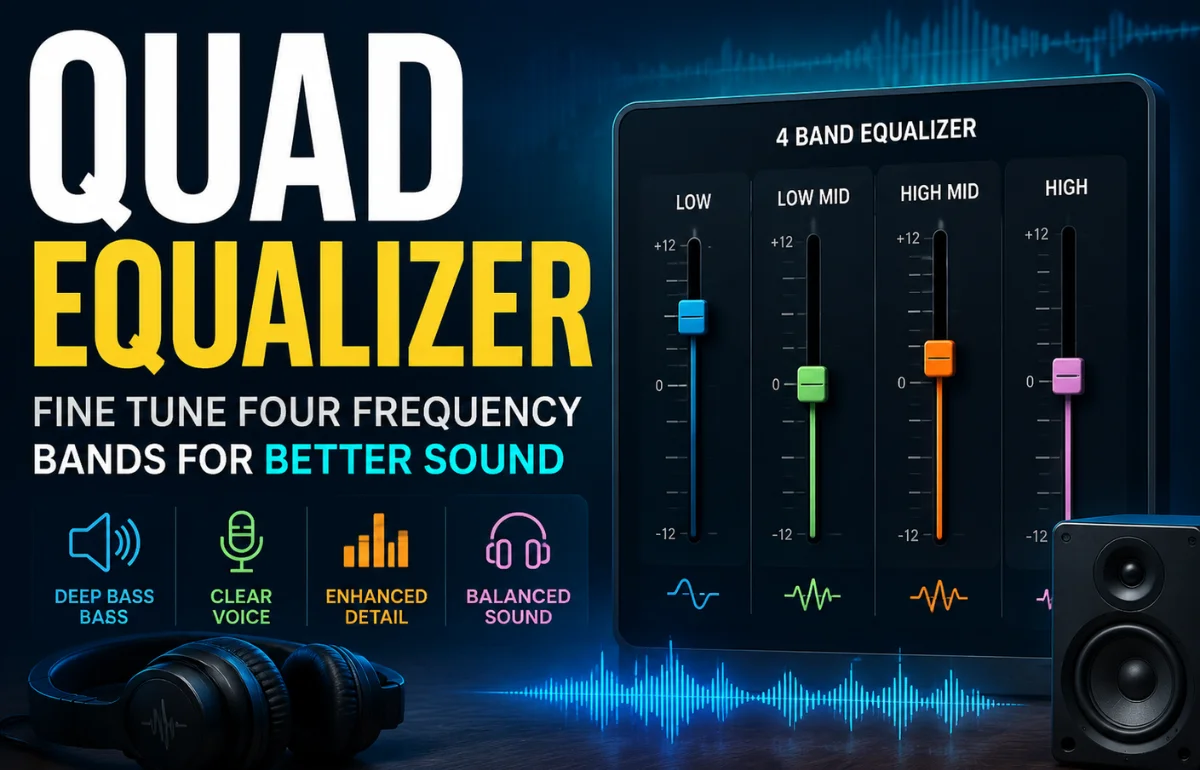
A Quad Equalizer is an equalization system that controls four audio bands or processes four independent channels, depending on the device or software using the term. In everyday audio products, it usually means a four-band equalizer that lets you adjust bass, low-mid, high-mid, and treble frequencies separately. In professional equipment, “quad” may instead describe four equalizer channels housed in one unit.
Its purpose is simple: a Quad Equalizer changes the level of selected frequency ranges so music, speech, games, or live sound better suit the listener, speakers, headphones, and room. It can make dialogue clearer, reduce muddy bass, soften harsh treble, or give instruments more space. It does not create missing detail, and the best results usually come from small, careful adjustments rather than dramatic boosts.
What Does “Quad Equalizer” Actually Mean?
The phrase is less standardized than many articles suggest. I do not assume every product labeled Quad Equalizer works the same way, because “quad” can refer to the number of frequency bands, the number of signal channels, or a product name.
A four-band EQ shapes four parts of one audio signal. A four-channel equalizer processes four separate signals, which might serve front and rear speakers, a stereo main mix plus two monitors, or four independent sources.
There is also a separate electronics meaning. In high-speed data systems, manufacturers use “quad equalizer” for chips that compensate for signal loss across four data channels. Texas Instruments, for example, uses the term for a four-channel DisplayPort signal equalizer rather than an audio tone control.
| Term | What it usually means | Common use |
|---|---|---|
| Four-band equalizer | Four adjustable frequency regions in one audio path | Cars, apps, mixers, speakers, headphones |
| Four-channel equalizer | Independent EQ for four audio signals | Live sound, studios, installations |
| Quadraphonic equalizer | Tone control for a four-speaker system | Vintage surround audio |
| Quad signal equalizer | Compensation across four data lanes | DisplayPort, PCIe, networking hardware |
Check the manual or interface before adjusting anything. Four frequency controls usually indicate a four-band EQ. Labels such as Channel 1 through Channel 4 indicate four separate signal paths.
How a Quad Equalizer Changes Sound
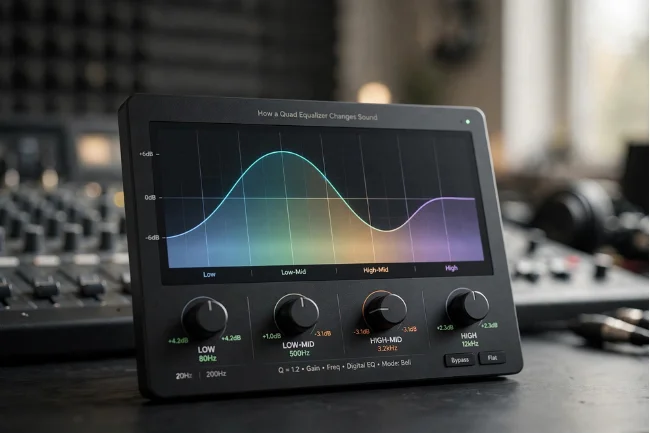
An equalizer boosts or reduces selected frequencies. Yamaha defines equalization as amplifying or cutting specified frequency bands to change sound quality and character. Graphic equalizers use fixed bands, while parametric equalizers provide more control over the frequency being changed.
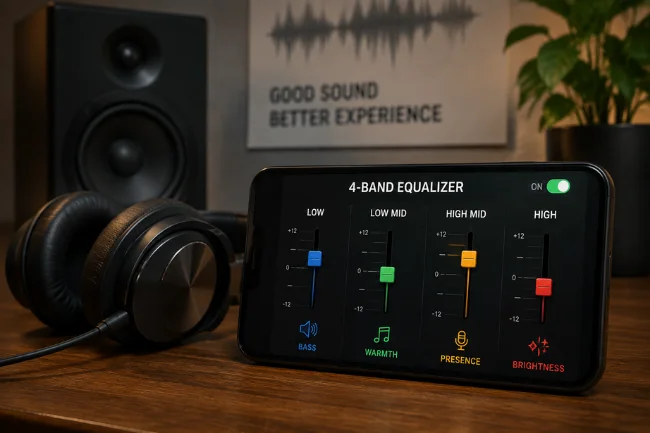
A typical four-band audio equalizer divides the spectrum into four practical regions.
Low Frequencies
The low band controls weight, rumble, kick-drum impact, and bass energy. Too much can mask vocals, overload small speakers, or make a car cabin boom.
Low-Mid Frequencies
Low mids carry body and warmth, but they are also where boxiness and muddiness build up. This region strongly affects voices, guitars, piano, and crowded mixes.
High-Mid Frequencies
High mids influence presence, intelligibility, attack, and perceived detail. Raising them can reveal speech or game cues; excessive boosting can sound nasal, aggressive, or tiring.
High Frequencies
The highest band controls brightness, air, cymbal detail, hiss, and sibilance. A small lift can open dull headphones, while a small cut can calm brittle speakers.
Exact crossover points vary. A parametric Quad Equalizer may also offer frequency, gain, and Q controls. Frequency selects the center of the adjustment, gain sets its strength, and Q determines how wide or narrow the affected area is.
Shure’s four-band parametric EQ documentation uses these controls and explains that a higher Q produces a narrower bandwidth.
Four-Band EQ, Graphic EQ, and Parametric EQ
A Quad Equalizer is not automatically graphic or parametric. The label tells you how many bands or channels are available, not how the controls behave.
A four-band graphic-style EQ normally provides four fixed frequency areas. It is quick and useful for broad tonal correction.
A four-band parametric EQ is more flexible because each band may let you select the center frequency and bandwidth. You can target a resonance rather than changing a large part of the spectrum.
A four-channel graphic equalizer is different again: it may contain many frequency sliders for each of four channels. That is why “quad” does not necessarily mean only four frequency bands.
Where a Quad Equalizer Is Most Useful
Music Listening
For music, the goal is balance rather than maximum bass. I recommend listening for one problem at a time: vocals hidden behind the beat, cymbals that feel sharp, or bass notes that linger too long.
A four-band layout is suitable for broad correction. It cannot replace detailed mixing or mastering tools, but it can compensate for an obvious headphone or speaker bias.
Dialogue, Podcasts, and Video Calls
Speech depends heavily on the midrange and upper midrange. Reducing excessive low energy can clear space around a voice, while a modest presence lift can improve intelligibility.
Shure lists improved speech clarity and correction of room-related problems among common EQ uses.
EQ will not remove every background sound. A fixed hum or rumble may respond to filtering, but traffic, echoes, keyboard noise, and changing voices normally require noise suppression, better microphone placement, or acoustic treatment.
Gaming
Gaming presets often boost bass for impact, but heavy bass can cover movement, reload sounds, and environmental cues. For competitive play, a cleaner low end and controlled high-mid lift may provide more useful detail than a dramatic cinematic preset.
EQ does not create true positional audio. Directional accuracy also depends on the game mix, headset response, spatial processing, and audio engine.
Cars and Small Speakers
Car cabins and compact speakers may exaggerate certain bass notes while struggling with deep sub-bass. Increasing the low control can produce distortion instead of useful extension.
I would reduce the booming range first. Removing one dominant resonance can make the remaining bass seem deeper because it is no longer masked.
Practical Quad Equalizer Starting Settings
There is no universal best equalizer setting. Headphones, rooms, hearing, recordings, and playback volume all affect tonal balance. Treat these values as conservative starting points.
| Use case | Low | Low-mid | High-mid | High | Listen for |
|---|---|---|---|---|---|
| Clear dialogue | -2 dB | -1 dB | +2 dB | +1 dB | Clear words without boom or sharpness |
| Competitive gaming | -2 dB | -1 dB | +2 dB | +1 dB | Audible cues without piercing effects |
| Warm music | +1 dB | +1 dB | 0 dB | +1 dB | Added body without hidden vocals |
| Boomy car audio | -1 dB | -2 dB | +1 dB | 0 dB | Tighter bass and cleaner mids |
| Bright headphones | 0 dB | +1 dB | -1 dB | -2 dB | Less fatigue without lost detail |
When several bands are boosted, lower the preamp or output gain to preserve headroom. Digital clipping can occur when boosted frequencies push the signal beyond the available level.
How I Approach Quad Equalizer Tuning
Start Flat and Compare at Equal Volume
Set every band to 0 dB and temporarily disable bass boost, loudness, virtual surround, and other sound enhancers. These processors can hide what the equalizer is doing.
Keep comparison volume consistent. A louder setting often appears better even when its tonal balance is worse.
Identify One Audible Problem
Use a familiar recording and describe the problem plainly: muddy, thin, harsh, muffled, boomy, or dull. Adjust the band most likely to affect that quality.
Do not move all four controls at once, or you will lose track of which change helped.
Cut Before Making a Large Boost
When one region dominates, reducing it is often cleaner than raising everything around it. Cutting also protects headroom.
If vocals are buried under thick bass, a small low or low-mid cut may work better than a large high-mid boost.
Make Small Changes
A 1 or 2 dB adjustment can be audible. Large moves may sound exciting briefly but become tiring, unnatural, or distorted.
Shure offers a useful practical rule: when a system is clear and loud enough, stop equalizing.
Save Profiles by Device
The same preset will not behave identically on earbuds, a soundbar, monitors, and car speakers. The playback device usually matters more than the genre label.
Use names such as “Podcasts – Desk Speakers” or “Gaming – Closed Headset” so each profile has a clear purpose.
Features Worth Looking for in a Quad Equalizer
Adjustable Frequency Points
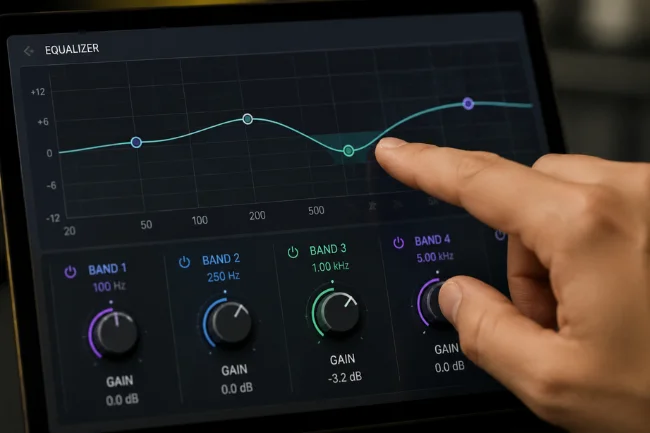
Fixed bands are easy, but selectable frequency points let you target the actual problem, especially in the midrange.
This control is useful when a voice sounds boxy at one frequency or a speaker has a narrow, irritating resonance.
Gain, Q, and Output Trim
Gain controls adjustment strength, Q controls width, and output trim helps prevent clipping after boosts. Together, these controls make tuning more precise and safer.
A lower Q changes a wider section of sound. A higher Q targets a narrower frequency range.
Bypass and Per-Device Presets
A bypass control supports quick comparisons with the original sound. Per-device presets prevent a correction made for headphones from being applied accidentally to speakers.
The best software can remember which output device is connected and load the appropriate sound profile automatically.
Channel Linking
On a four-channel equalizer, channel linking keeps paired outputs consistent while allowing separate correction when required.
This is especially useful in live sound systems, where the left and right main speakers may need matching adjustments.
Real-Time Analysis
A spectrum display can help reveal strong resonances or feedback. It should support listening rather than replace it; a graph shows energy, not personal preference.
Room reflections and microphone positioning can also influence the displayed spectrum, so visual information needs to be interpreted carefully.
What a Quad Equalizer Cannot Do
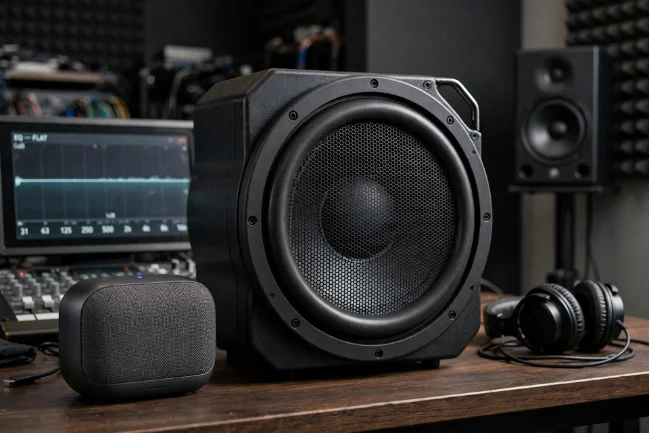
A Quad Equalizer can reshape existing sound, but it cannot restore data removed by heavy compression, repair a damaged driver, or turn small speakers into real subwoofers.
It cannot automatically remove all noise. EQ may reduce a fixed hum, hiss, or rumble, but broad cuts can also remove useful speech and musical detail.
Surround sound, spatial audio, compression, limiting, and active noise cancellation are separate processes. An app may place them beside its equalizer, but they are not standard Quad Equalizer functions.
EQ also cannot replace proper setup. Moving speakers away from corners, sealing headphone pads correctly, repositioning a microphone, or reducing room reflections may deliver a larger improvement.
Common Quad Equalizer Mistakes to Avoid
The most common mistake is assuming the EQ curve should look dramatic. A nearly flat curve may be the best result.
Other errors include maximizing bass on small speakers, copying a preset without checking its band frequencies, judging settings at different volumes, and using one profile for every device.
Watch for stacked processing too. A phone, music app, Bluetooth speaker, and headphone app may each apply EQ. Multiple active presets can create unpredictable sound and clipping.
FAQs About Quad Equalizer
What is a Quad Equalizer used for?
It adjusts four frequency bands or processes four channels to improve tonal balance, speech clarity, bass control, and sound consistency.
Does “quad” mean four bands or four channels?
It can mean either. Check whether the interface shows four frequency controls or four separately labeled signal channels.
What is the best Quad Equalizer setting for music?
Start flat, correct one problem at a time, and keep most changes around 1–3 dB. The best curve depends on the recording and device.
Can a Quad Equalizer improve voice clarity?
Yes. Reducing excessive lows and gently raising the presence range can help, but strong boosts may make speech harsh or sibilant.
Can equalizer settings damage speakers?
Aggressive boosts combined with high volume can cause amplifier clipping or push a speaker driver beyond its safe operating range.
Final Takeaway
A Quad Equalizer is most useful when you first identify whether “quad” means four bands or four channels, then make small changes for a specific device, room, or listening goal. Start flat, solve one audible problem, preserve headroom, and compare at equal volume.
Create one conservative profile for the headphones or speakers you use most. Test it with familiar music and spoken audio, then refine only the band that still sounds out of balance.

Noah Sterling is a technology research writer with 8+ years of experience covering emerging technologies, software trends, digital tools, and innovation. He creates practical, research-based articles to help readers understand the evolving technology landscape.