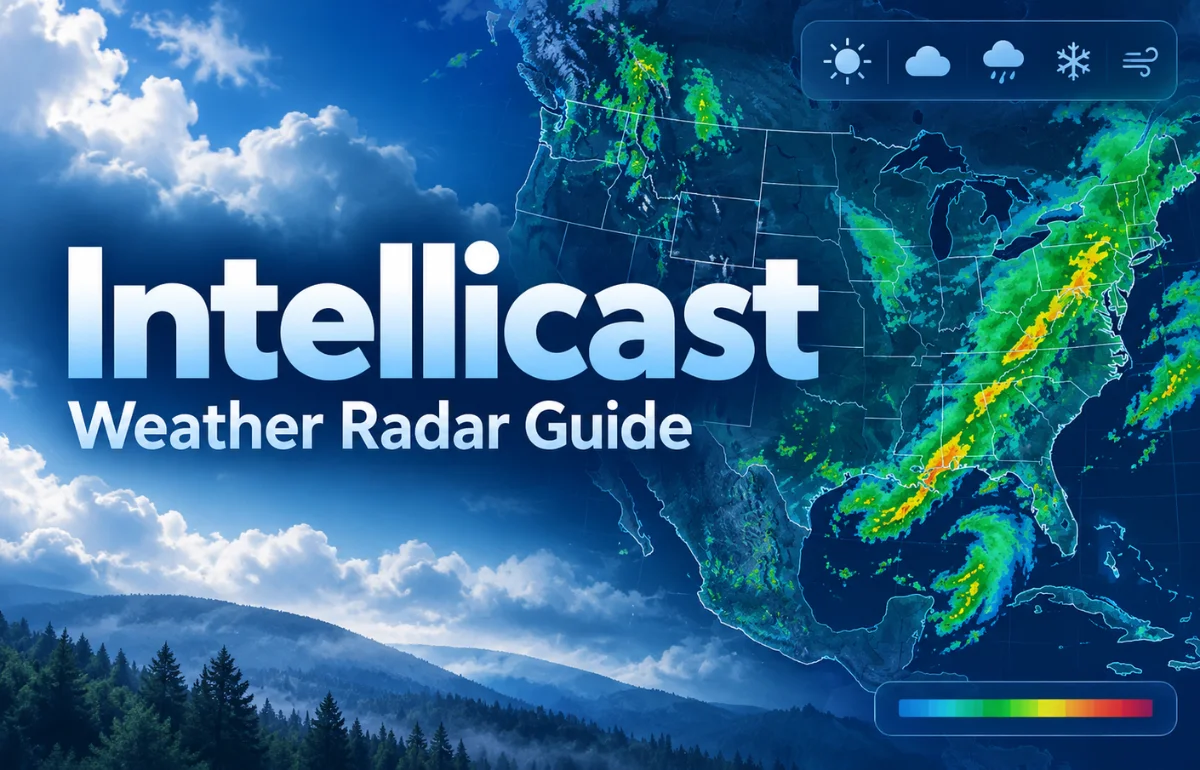
Intellicast was a weather forecasting website best known for its detailed radar maps, satellite imagery, storm tracking, and local forecasts. It helped people see where rain or snow was falling, follow approaching weather systems, and understand changing conditions through visual maps. The original Intellicast website no longer operates as a separate weather service. On January 17, 2019, its operator began redirecting visitors to Weather Underground, where an Intellicast-branded map directory remains available. If you search for Intellicast weather or Intellicast radar today, Weather Underground is the official place to start—not a newly launched, independent version of the old site.
I think the most useful way to understand Intellicast now is to separate its history from the tools you can still use. That distinction saves time, especially when an old bookmark or radar link doesn’t look familiar anymore.
What Was Intellicast Used For?
Intellicast made weather information more visual and practical. Instead of giving visitors only a temperature and a cloudy-sky icon, it offered maps that revealed how conditions differed across cities, regions, and entire weather systems.
The service was particularly appealing to people who wanted more detail than a quick daily forecast. A homeowner could watch a line of showers approaching. Someone planning a road trip could examine the regional radar. A weather enthusiast could compare satellite images and surface conditions to make sense of a developing storm.
The name also became closely associated with animated radar. Even years after the site disappeared, searches for “Intellicast radar loop” often reflect a simple need: users want to watch precipitation move across a map without sorting through unrelated information.
What Happened to Intellicast?
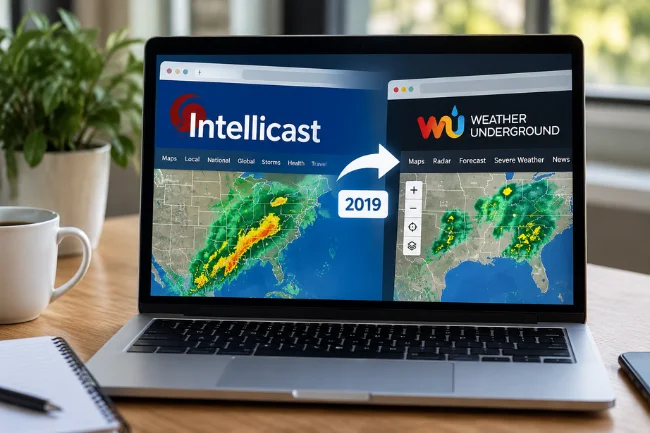
The short answer is that Intellicast was folded into Weather Underground. The change was not caused by weather radar becoming obsolete, nor did it mean all its weather data suddenly disappeared.
According to Weather Underground’s official Intellicast announcement, redirecting began on January 17, 2019. The company said Intellicast’s technology and features would continue within Weather Underground, although the Intellicast website and name would be retired as a standalone destination.
A Brief Timeline
- Before 2019: Intellicast was known for regional radar, satellite views, precipitation maps, and forecasting products.
- January 17, 2019: Redirects from Intellicast.com to Weather Underground began.
- After the transition: Weather Underground retained a dedicated directory pointing visitors toward familiar map categories.
- January 2024: IBM completed the sale of The Weather Company assets, including Weather Underground, to an entity owned by Francisco Partners. This later ownership change did not restore Intellicast as a separate website.
The remaining Intellicast label does not mean the original site has restarted.
Where Can You Find Intellicast Weather Maps Today?
I would start with the official Intellicast page on Weather Underground. It clearly identifies the transition and groups maps under radar, satellite, temperature, wind, precipitation, and surface analysis.
For a more flexible view, open WunderMap. This is Weather Underground’s interactive mapping interface. It is useful when you want to focus on a particular location rather than browse only broad, preset map categories. Available controls and layers can change with platform updates, so check the current interface rather than relying on instructions written for the former Intellicast site.
For U.S. storm monitoring, I also recommend bookmarking the National Weather Service radar viewer. It is an official government source for radar products and storm-based alerts. The National Weather Service also provides a simpler local radar option for people who prefer fewer controls or have limited bandwidth.
One distinction matters: a current Weather Underground map may satisfy the same need as an older Intellicast map without being a pixel-for-pixel replacement. The design, menus, animation controls, and available overlays may differ.
The Intellicast Features People Still Look For
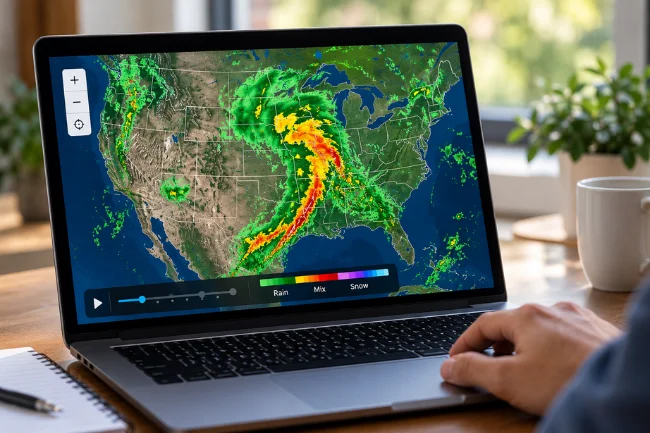
1. Interactive Radar and Radar Loops
Radar was arguably the signature attraction. A single radar frame shows detected precipitation at a particular moment; a sequence of frames helps reveal its recent movement. This is why an animation is often more useful than a static image when rain is approaching.
People searching for Intellicast live radar usually want current observations, not a guaranteed forecast of what will happen next. Radar can help estimate where a weather system is heading, but changing storm speed and direction make simple extrapolation unreliable over longer periods.
2. Satellite Imagery
Satellite views offer a different perspective. While radar is primarily used to detect precipitation, satellite imagery shows cloud patterns and other atmospheric features over wide areas.
Visible satellite imagery is especially useful during daylight. Infrared imagery measures emitted radiation and can help examine cloud patterns at night, although cloud-top temperature is not the same thing as rainfall intensity. I treat these images as complementary, not interchangeable.
3. Temperature and Wind Maps
Regional temperature maps make boundaries between warm and cold air easier to recognize. A local reading of 18°C means more when you can also see substantially colder conditions moving in from a neighboring region.
Wind maps and jet-stream charts provide additional context about the broader atmosphere. Jet-stream position can help explain larger weather patterns, but it should not be confused with the wind speed you will experience at street level.
4. Precipitation Totals and Surface Analysis
Precipitation-total maps address a different question from radar: not merely where rain is appearing now, but how much precipitation has accumulated over a stated period. That can matter for gardening, drainage, field conditions, and comparing recent wet weather across an area.
Surface-analysis maps show features such as pressure systems and fronts. Forecast charts for coming hours can help connect an approaching front with expected changes in cloud cover, wind, or rain. These products are most useful when read together, not as separate guarantees.
Which Old Map Should You Look for Now?
| What you remember from Intellicast | What to look for today | Best question it answers |
|---|---|---|
| Animated precipitation radar | Weather Underground radar maps or NOAA radar loop | Is rain moving toward my location? |
| Satellite cloud images | IR and visible satellite maps | How extensive is the cloud system? |
| Regional temperature maps | Current temperature maps | Where is warmer or colder air located? |
| Jet-stream charts | Wind and jet-stream maps | What is happening in the upper atmosphere? |
| Daily or weekly rainfall maps | Precipitation-total maps | How much rain has accumulated? |
| Surface forecast charts | Surface-analysis maps | Where might fronts and pressure systems move? |
This is a functional comparison, not a promise that every original setting, graphic, or historical archive remains available.
How to Read an Intellicast-Style Radar Map Correctly
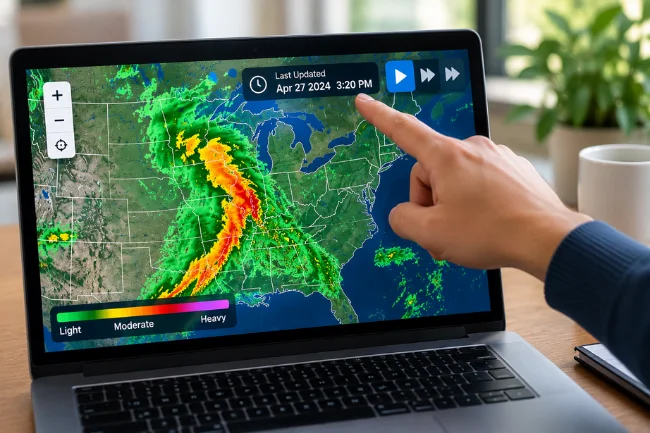
Begin With the Timestamp
Before interpreting colorful weather bands, look at when the image was observed. A map labeled “current” can still contain data collected several minutes earlier, and a paused animation can leave you looking at an old frame.
I always consider three things together: the latest timestamp, the position of the precipitation, and the direction shown by the previous frames. A beautiful radar map with an outdated timestamp is less useful than a plain one showing recent observations.
Understand What the Colors Mean
On many precipitation radar displays, greens commonly represent weaker echoes, while yellow, orange, and red represent stronger echoes. But color palettes differ, so the legend on the specific map is more reliable than a memorized rule.
Radar reflectivity is commonly measured in dBZ, a logarithmic measure of returned radar energy. High reflectivity often accompanies heavy precipitation, but it can also result from hail. It doesn’t automatically tell you exactly how much rain is reaching the ground.
Some radar products use colors to classify precipitation type, while Doppler velocity maps use colors to represent motion relative to a radar station. A red patch on a reflectivity map does not mean the same thing as red on a velocity map.
Use the Loop Without Overpredicting
An animation helps identify whether a band of rain is approaching, moving away, strengthening, or weakening. For example, if a shower line shifts eastward across several recent frames, a community just to the east may face an increased chance of rain soon.
That is an observation-based judgment, not a precise arrival-time forecast. Storms can accelerate, split, form new cells, or weaken rapidly. For important decisions, compare the loop with a current hourly forecast and official alerts.
Check Whether Radar Shows Rain at Ground Level
Radar can detect precipitation above you even when nothing reaches the pavement. In dry lower layers of air, falling rain may evaporate before reaching the ground. Meteorologists call this virga.
Radar coverage also has physical limits. The beam rises relative to the ground with distance, and terrain can obstruct it. As a result, distant low-level precipitation may be missed or estimated imperfectly. These limitations help explain why a neighborhood observation sometimes disagrees with the map.
Intellicast vs. Other Weather Services
No single weather website is best for every question. I compare services by the decision I need to make, not by which one has the most dramatic-looking radar animation.
| Platform | Main strength | Useful limitation to remember |
|---|---|---|
| Weather Underground | Local conditions, personal weather stations, and interactive maps | Nearby private stations may vary in quality or placement |
| NOAA/National Weather Service | Official U.S. forecasts, warnings, and radar products | Primarily focused on the United States |
| The Weather Channel / weather.com | Consumer-friendly daily and hourly forecasts | Interfaces and some features can vary by device or offering |
| Windy | Visual exploration of forecast models and weather layers | Model projections are not the same as observed radar |
These services often draw on overlapping observations. Differences in presentation should not automatically be interpreted as proof that one service has better raw data or is always more accurate.
How Accurate Was Intellicast, and How Accurate Are Its Alternatives?
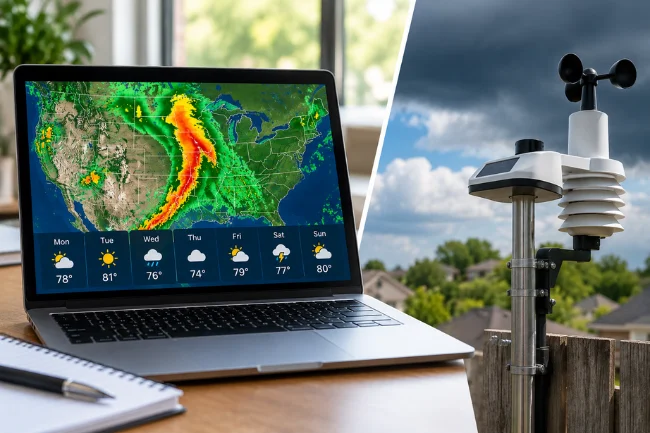
It is tempting to describe Intellicast as exceptionally accurate, but that claim needs a defined location, period, forecast horizon, and independent evaluation. There is no sound basis for declaring an old weather website universally more accurate than every modern option.
Accuracy also depends on what is being measured. A radar image can be good at showing an existing precipitation area while an hourly forecast struggles to predict exactly when a new shower will form. A temperature reading from a nearby sensor may be very local, yet unrepresentative if the sensor sits beside a sun-heated wall.
Weather Underground’s own personal weather station installation guidance explains that sensor placement affects temperature, rainfall, and wind measurements. When I see an unexpectedly high or low neighborhood reading, I check neighboring stations and an official observation before accepting it.
Forecast uncertainty generally grows as the time horizon increases, particularly for localized thunderstorms. I treat a seven-day outlook as planning context, not as a fixed schedule for every hour of the week.
A Practical Weather-Checking Routine That Saves Time
Instead of opening five sites and comparing every symbol, I use a decision-first approach. Suppose I want to know whether an afternoon outdoor event needs a backup location.
First, I check the hourly forecast for the event location and time. A daily rain icon is too broad to answer whether the critical period is likely to be dry.
Next, I open current radar and examine its latest frames. If rain is already nearby, I look for movement and organization rather than assuming the colored area will continue on a straight path.
Then, I check the official weather alert source. In the United States, a National Weather Service watch means conditions are favorable for dangerous weather; a warning means dangerous weather is occurring or imminent and requires prompt protective action.
Finally, I decide what would change my plan. It might be an official thunderstorm warning, lightning in the area, or persistent rain approaching before the event. Setting the decision threshold beforehand prevents repeated refreshing without taking useful action.
A Small Detail Many Weather Guides Miss
A “40% chance of rain” does not mean rain will fall over 40% of your town or for 40% of the day. In National Weather Service usage, probability of precipitation refers to the chance of measurable precipitation at a specified point during the forecast period.
This matters when comparing a forecast with Intellicast-style radar. One describes probability over a future interval; the other shows observed echoes over recent moments. They answer different questions, so an apparent disagreement may not be a contradiction at all.
Mistakes Worth Avoiding When Searching for Intellicast
The biggest mistake is expecting Intellicast.com to display the original interface. The 2019 transition changed where users access its weather-map categories.
Another is trusting an unfamiliar website merely because it includes “Intellicast” in its title. Start with the official Weather Underground page and check the domain before entering personal details or installing an app.
Finally, don’t mistake a weather map for a safety alert system. During tornadoes, flash flooding, or severe thunderstorms, use official warnings and multiple reliable alert channels. Radar is a valuable situational tool, but it should never be your sole warning method.
Frequently Asked Questions About Intellicast
1. Does Intellicast still exist?
Not as an independent weather website. Its former site was redirected to Weather Underground beginning January 17, 2019.
2. Where can I find Intellicast radar now?
Visit Weather Underground’s official Intellicast map directory or WunderMap. For U.S. radar and warnings, NOAA’s radar viewer is another option.
3. Is Intellicast radar free to use?
The old standalone radar service is gone. Weather Underground and the National Weather Service offer publicly accessible radar pages, though features and paid options can differ.
4. What replaced the Intellicast weather app?
The 2019 announcement pointed users to Weather Underground rather than naming a direct replacement app. Current weather apps offer alternatives.
5. Was Intellicast the same as Weather Underground?
They were distinct weather brands before Intellicast’s website was merged into Weather Underground in 2019.
Final Thoughts
Intellicast earned its reputation by making complex weather information accessible through readable maps. Its original website may be gone, but the need it served has not disappeared: people still want timely radar, useful forecasts, and a clear view of changing conditions.
My recommendation is straightforward. Bookmark Weather Underground’s Intellicast directory for familiar map categories, use WunderMap when you need an interactive view, and keep the National Weather Service close for official U.S. warnings. Choose the weather tool that answers your immediate question, and check its timestamp before trusting what you see.

Noah Sterling is a technology research writer with 8+ years of experience covering emerging technologies, software trends, digital tools, and innovation. He creates practical, research-based articles to help readers understand the evolving technology landscape.