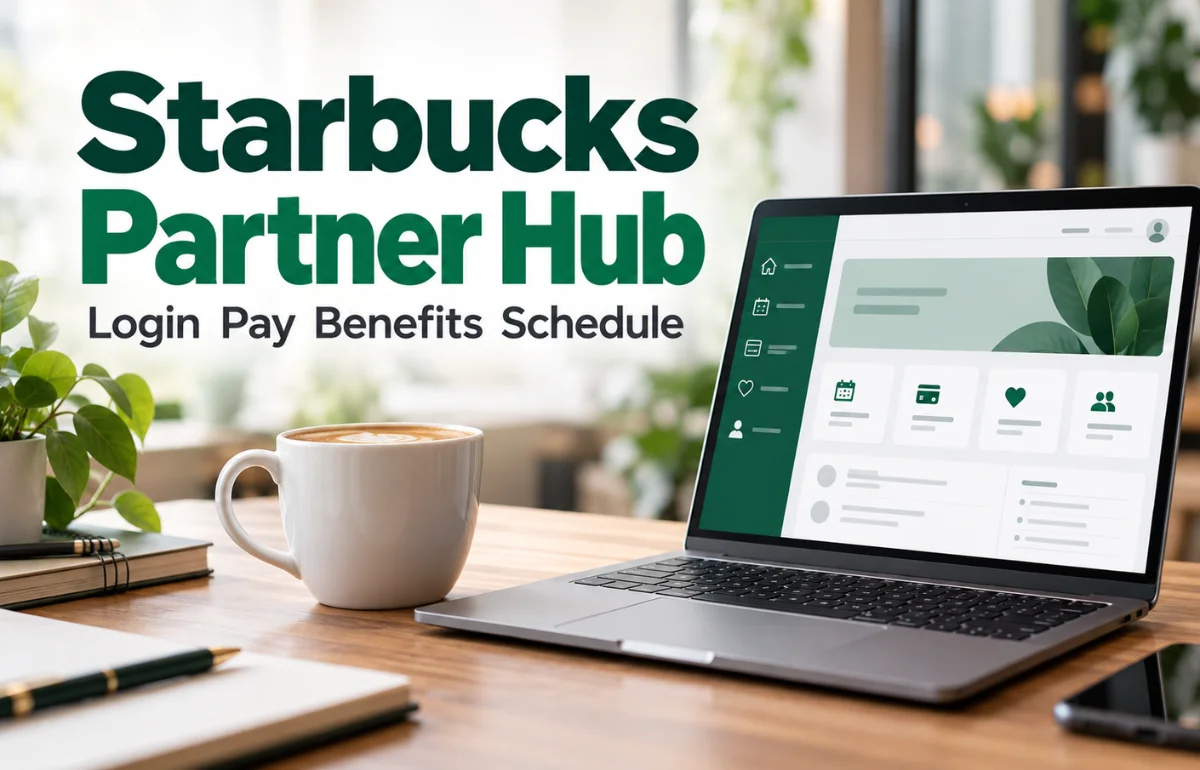
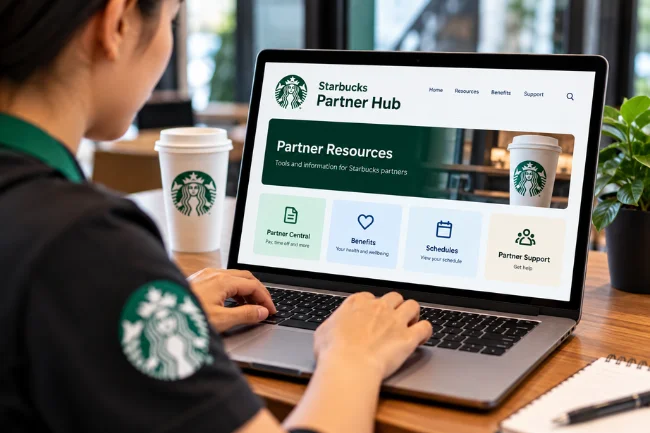
Starbucks Partner Hub is an internal resource hub for Starbucks employees, whom the company calls “partners.” It helps partners find company information, workplace updates, and links to tools used for their jobs. The name can cause confusion because the Hub is only one part of Starbucks’ collection of partner resources.
A pay statement, benefits question, shift schedule, and job application may each lead to a different system. Starbucks described an upgraded Partner Hub with a personalized homepage, improved navigation, and search in its announcement to U.S. retail partners. The useful question, then, is often less “Where is the Hub?” and more “Which partner tool handles what I need to do?”
If you are trying to log in, check a pay statement, manage time off, or find benefits information, this guide will help you choose a sensible starting point. I’ve based the distinctions below on Starbucks’ published partner and benefits pages. Internal screens and access rules can change, so your current workplace instructions should guide the final click.
Why “Partner Hub” Can Mean More Than One Thing
People often use “Starbucks Partner Hub” as shorthand for the whole employee experience online. That is understandable. A partner might open one page, follow a link to another, and still think of the entire journey as “the Hub.”
Starbucks uses more specific names for several of those destinations. Partner Central handles many personal and employment details. The Starbucks Partner Benefits website explains benefit programs and points to plan administrators. My Partner Info, often shortened to MPI, is another named system, although its role has changed for some partners. Career tools serve a different purpose again.
I find it easiest to think about the Hub as a place to find resources, then identify the system that actually owns the task. That small distinction can save time when a page loads successfully but does not show the feature you expected.
It also prevents a common mistake: assuming every Starbucks login accepts the same form of username and password. Starbucks’ own sign-in pages show that account formats differ between systems.
Starbucks Partner Hub vs. Other Partner Tools
The table below is a practical map, especially for U.S. partners. Availability can vary by role and location.
| Resource | Best starting point for | What to keep in mind |
|---|---|---|
| Partner Hub | Finding internal company information and links to partner resources | The Hub may send you to a separate system to finish a task. |
| Partner Central | Pay statements, time off, balances, direct deposit, contact details, and benefits eligibility information | Starbucks says changes require a Starbucks device; a personal device provides view access. |
| Starbucks Partner Benefits website | Reading public explanations of benefits and finding the right benefit administrator | Detailed account information or enrollment may require a separate sign-in. |
| My Partner Info (MPI) | Information still available to eligible users of that system | Starbucks’ MPI page says U.S. hourly retail partners no longer have MPI access. |
| Career platform | Looking for internal openings and managing a career application | It is separate from the tools used for pay and time off. |
Starbucks lists Partner Central functions and its device restriction on its U.S. benefits contact page. Its MPI sign-in page describes the change for hourly retail partners, while the careers site directs existing partners to a separate platform for openings.
There is another similarly named resource worth separating from these: Coffeehouse Central. A Starbucks notice describes it as a resource hub for coffeehouse partners and external vendors following a move from its SDRC site. That notice does not establish that Coffeehouse Central is a replacement name for the entire Partner Hub or for Partner Central. Use the name your workplace gives you for the resource you need.
How to Access Starbucks Partner Resources Safely
Start with an official route
For a work account, the safest starting point is the link supplied during onboarding, a link on a Starbucks-managed device, or a page reached through an official Starbucks site. If you are unsure which resource applies, ask your store manager or use the appropriate Partner Service Portal.
For U.S. benefits questions, the official Starbucks Partner Benefits contact page lists Partner Central’s functions and relevant support contacts. It also explains that its benefits website is maintained by Starbucks’ benefits team and that detailed information can lead to other platforms.
I would be careful with a search result that promises a universal “Partner Hub login.” A page can use the right keywords without being the right destination for your account. Check the address and the route provided by Starbucks before entering a password or personal details.
Use the username format for that specific system
Starbucks’ password self-service page says a retail partner’s global username uses a two-letter country code followed by the partner number. It gives an example beginning with “US.” The MPI login page, however, instructs its users to enter only their partner number, without a preceding country code or zero, and says the MPI password differs from the GLS password.
Those instructions are not interchangeable. If a familiar username fails on an unfamiliar page, first check whether you have reached the intended system. Repeatedly trying variations is less useful than confirming which account the page requests.
Know what your device allows
Being able to open Partner Central from home does not necessarily mean you can edit everything there. Starbucks says partners using a personal device can view information, while making changes requires a Starbucks device. Its listed changes include direct deposit, mailing address, tax withholding, and time off.
This explains a frustrating situation: you may be signed in correctly, see your details, and still be unable to update them. Before treating that as a broken account, check whether the action needs to be completed on a Starbucks device.
What You Can Use Partner Central For
Partner Central is especially relevant when the question concerns your own employment record. Starbucks identifies it as a place to view pay statements, see vacation and sick balances, enter time off, manage direct deposit, update a mailing address, monitor benefits eligibility and leave of absence hours, and update tax withholding.
That list is more helpful than the vague promise that a “partner portal does everything.” If your question is “Where can I see my sick balance?” Partner Central is a stronger starting point than a general search for the Hub. If your question is “Which company administers my stock plan?” the benefits contact page points to a different provider.
Pay statements and personal records
A pay statement can help you review earnings, deductions, and payment details for a particular period. If a figure looks wrong, note the pay period and the specific line you are asking about before contacting support. That gives the person helping you a clearer issue to investigate.
Keep pay information private, particularly on a shared computer. Starbucks’ MPI security notice tells users to log out before leaving a desk and to protect their password. The same habit is sensible whenever you view employment or financial information.
Time off and absence balances
“Entering time off” and “checking a balance” are related, but they are different actions. One records a request or entry; the other tells you what the system currently shows. Look at the relevant dates and balances before assuming a request has been processed.
The MPI page also carries an important update: it says time and time-off tracking moved to Partner Central and that hourly retail partners no longer access MPI. An older article directing every hourly partner to MPI for absence balances may therefore send readers to the wrong place.
Direct deposit and tax details
These fields deserve extra care because a mistaken entry can affect where pay goes or how withholding appears. Starbucks lists both among Partner Central’s functions, while stating that changes must be made from a Starbucks device. If you need to update one, use the official work route and check the saved details carefully.
For a question about what a tax choice means for your circumstances, the portal itself is only the place that records the choice. Seek qualified tax guidance for an individual tax decision.
Where Benefits Information Fits
The Starbucks Partner Benefits site is useful before and after you sign in. It groups information about health coverage, stock and savings, education, partner support, and perks. Its contact page also identifies administrators for particular programs. For example, it directs U.S. partners to the Starbucks Benefits Center for coverage questions and to Fidelity NetBenefits for Bean Stock, the Stock Investment Plan, and the Future Roast 401(k).
This creates a useful distinction: Partner Central can show information about your employment and eligibility, while a benefit administrator may handle the details of a specific plan. If you cannot find an enrollment form or claim status in the Hub, you may simply be looking in a general resource instead of the plan’s own platform.
Eligibility is personal and location-specific
Do not assume that seeing a benefit described online means you are enrolled or currently eligible. Starbucks publishes eligibility rules that vary by partner group and location. Its U.S. page, for example, describes different rules for mainland partners and certain Hawaii partners, as well as measurement periods for maintaining eligibility.
I would check three things in that order: the rule for my location and role, the hours or status shown in my own account, and the current plan documents or Benefits Center if something does not match. That is more dependable than relying on a single number repeated in a forum post.
Benefits can change
Starbucks says its benefits information is intended to be easy to understand, but the governing plan documents control if descriptions conflict. It also reserves the right to amend or end benefit plans. For publication and for personal decisions, that is a good reason to link to the current official page instead of treating an old benefits list as permanent.
Finding Your Schedule Is a Separate Question
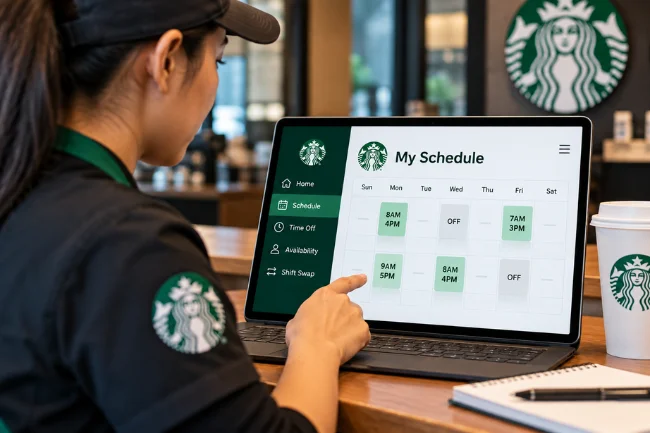
Many people search for Starbucks Partner Hub because they want to see their next shift. That intent is clear, but it does not follow that Partner Central’s pay and time-off page is the schedule itself.
Starbucks has discussed scheduling improvements separately from upgrades to the Partner Hub and Partner App. Its published partner announcement described work to capture preferred hours and improve the stability and flexibility of schedules. The announcement does not provide a universal current scheduling login for every partner.
For your actual schedule, follow the scheduling tool and instructions your store currently uses. If the schedule displayed in one place conflicts with a message from your manager, clarify it promptly with the store. A screenshot may help you explain the discrepancy, but it should not be treated as a substitute for resolving which shift is assigned.
The same approach applies when requesting a change. Check whether you are viewing a schedule, submitting availability, entering time off, or discussing a shift swap. Those actions may live in different places and have different approval requirements.
If You Cannot Log In
A login problem usually falls into one of four categories: the wrong destination, the wrong username format, a password issue, or an access issue. Working through them in that order can prevent unnecessary resets.
First, check that the page is the one your manager, onboarding materials, or an official Starbucks resource directed you to. Next, read its username prompt. As noted above, a global retail username and an MPI partner-number login follow different instructions.
If the destination and username are correct, use that system’s official password recovery option. Starbucks’ password self-service page also lists an Enterprise Help Desk route, while its benefits site directs partners with HR concerns, including Partner Central questions, to the Partner Contact Center at 1-888-SBUX-411.
If you can sign in but cannot complete an action, describe the action rather than reporting only that “the Hub is down.” For example: “I can view my address in Partner Central on my phone, but I cannot edit it.” In that case, Starbucks’ published device rule may explain the behavior. A message about missing access, by contrast, may need help from your manager or the relevant support team.
A Better Way to Choose the Right Resource
Here is the quick decision rule I would use when a partner asks where to go:
| If you need to… | Start with… | Then check… |
|---|---|---|
| Read an internal update or find a company resource | Partner Hub or the work link supplied by your store | Whether the item opens another system |
| View pay, balances, or personal employment information | Partner Central | Whether a change requires a Starbucks device |
| Understand a benefit or find its administrator | Starbucks Partner Benefits | Your eligibility and the plan’s own platform |
| Find an internal job opening | Starbucks’ current-partner career platform | The role and application requirements |
| Confirm a shift or schedule change | Your store’s current scheduling tool | Your manager if information conflicts |
The point of this map is practical. You do not need to memorize every product name. You need to identify whether you are looking for information, viewing your record, changing your record, or completing an action with a separate provider. Starbucks’ public pages support those distinctions across Partner Central, benefits, and careers.
If you are a new partner, save the official links your store gives you and label them by purpose: schedule, pay, benefits, and support. That simple organization is often more useful than one bookmark named “Starbucks login.”
Privacy and Access Habits Worth Keeping
Employment accounts contain details that should stay between you and the authorized systems or people handling them. Use a private device when possible to read sensitive records. On a shared Starbucks device, sign out when you finish, especially after opening pay, tax, or contact information.
Treat password resets as account actions, not shortcuts through an unfamiliar website. Use the recovery link on the official page you intended to access. If a message asks for your password or sends you to a lookalike address, verify it through a known Starbucks route before responding.
Finally, remember that access can depend on employment status and role. An applicant, a current retail partner, a corporate partner, and a former partner may not see the same systems. A missing menu item does not, by itself, tell you whether the feature has been removed, your access is pending, or you have opened the wrong resource.
Frequently Asked Questions
What is Starbucks Partner Hub used for?
It is an internal resource hub that helps Starbucks partners find company information and workplace resources. Specific tasks, including pay and benefits, may open other systems.
Can I access Starbucks Partner Central from home?
Starbucks says a personal device can be used to view Partner Central information. To make changes, its published guidance says to log in from a Starbucks device.
Where can I see my Starbucks pay statement?
Starbucks lists pay statements under Partner Central. If the statement or a figure appears incorrect, note the pay period and contact the appropriate partner support channel.
Is My Partner Info the same as Partner Central?
No. They are separately named systems; Starbucks’ MPI page says hourly retail partners no longer access MPI and directs them to Partner Central for absence balances.
Who can help if my Starbucks partner login is not working?
Check the correct system and username format, then use its official password recovery option. For North America, Starbucks lists 1-888-SBUX-411 as a support contact.
The Next Place to Go
Starbucks Partner Hub makes more sense once you match the question to the resource. For an internal update, start with the Hub. For pay or personal records, check Partner Central. For a benefit’s terms or administrator, start with the official benefits site.
If you are still unsure, use the link supplied by your workplace or ask your manager which current tool handles the task. That one check is usually quicker than trying several unrelated logins.

Ethan Caldwell is a business research writer with 9+ years of experience covering entrepreneurship, market trends, business strategies, and industry insights. He focuses on creating clear, data-informed articles that help readers understand modern business concepts.