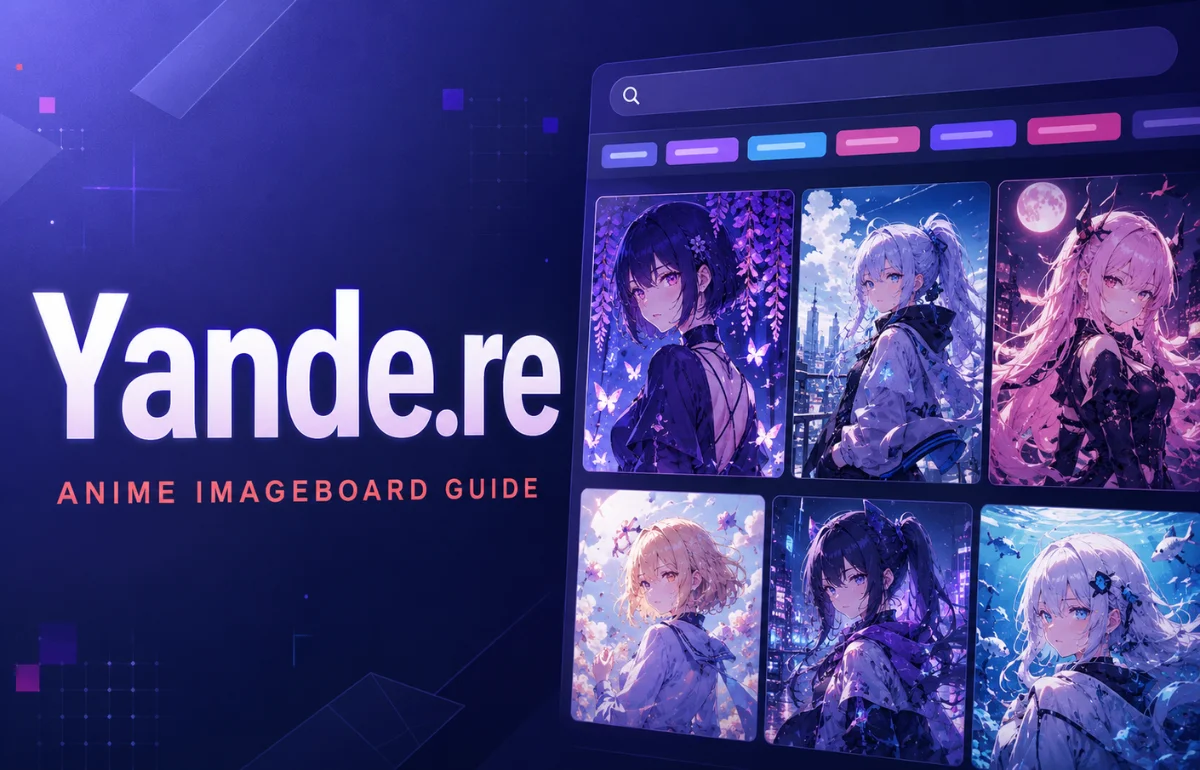
Yande.re is a community-driven anime imageboard used to browse and organize high-resolution illustrations, wallpapers, magazine scans, game artwork, and visual novel images. Instead of arranging files in ordinary galleries, it identifies each post through searchable tags for the artist, character, series, subject, image rating, resolution, and other details. This makes Yande.re closer to a specialized visual database than a typical wallpaper website.
The site is particularly useful when I know what kind of image I need but do not know where the original file appeared. Its structured metadata can narrow a large collection to a specific artist, character, format, or screen size. That precision is the platform’s main advantage, although users also need to understand its mature-content ratings and the difference between downloading an image and having permission to reuse it.
How Yande.re Works
Every uploaded file becomes a post. A post can contain the image itself, descriptive tags, its dimensions, a source link, a content rating, comments, translation notes, and relationships to other posts.
The software behind this structure is Moebooru, an open-source imageboard application derived from an earlier Danbooru codebase. The public Moebooru repository describes it simply as an image board, but its source and help files reveal a much richer system involving posts, tag types, pools, favorites, ratings, notes, user accounts, and API access.
That structure solves a problem ordinary image search engines handle poorly. A general search engine may find pages containing a character’s name, but it cannot always tell whether an image is an official scan, who drew it, what resolution it has, or which other characters appear in it. A tagged imageboard stores those details alongside the file.
Why People Use Yande.re
Yande.re is best known for polished, high-resolution anime-style artwork. Common material includes desktop wallpapers, promotional illustrations, artbook pages, magazine scans, game artwork, visual-novel graphics, and fan-created images.
I would not treat it as a social feed. Its value comes from retrieval rather than endless scrolling. Someone might use it to locate a large landscape wallpaper, research how an illustrator handles lighting, identify the source of a scan, or compare artwork connected to the same franchise.
The platform can be useful to several audiences:
- Anime fans building personal reference collections
- Artists studying poses, composition, coloring, and costume design
- Designers looking for visual references rather than licensed commercial assets
- Archivists tracing artists, sources, or related image sets
- Developers retrieving public post metadata through an API
None of these uses automatically grants permission to republish the artwork. The database and the copyright attached to each image are separate issues.
How to Search Yande.re More Precisely
The search box accepts ordinary tags as well as metatags. Spaces usually work as an AND instruction, meaning every entered tag must be present. A minus sign excludes a tag, while a tilde can create an OR search.
Tags normally use underscores instead of spaces. If a series is written as two words, its stored tag may look like series_name. Autocomplete and the tag links beside a post are often safer than guessing the exact spelling.
Here are some useful search patterns documented in Moebooru’s search cheat sheet:
| Search pattern | What it does |
|---|---|
tag1 tag2 | Finds posts containing both tags |
~tag1 ~tag2 | Finds posts containing either tag |
-tag1 | Excludes posts containing that tag |
tag1* | Finds tags beginning with the same text |
width:1920.. | Finds images at least 1,920 pixels wide |
mpixels:4.. | Finds images with at least four megapixels |
ratio:16:9 | Finds images close to a 16:9 aspect ratio |
score:50.. | Finds posts with a score of 50 or higher |
order:mpixels | Places higher-resolution results first |
order:score | Places higher-scoring results first |
The strongest searches combine a descriptive tag with one or two metatags. For example, a character tag combined with width:1920.. order:mpixels is far more useful for finding a desktop wallpaper than searching for the character alone.
Do not pile every possible filter into one query. Moebooru documentation warns that some wildcard and OR combinations do not work well with additional tags. If a complicated search fails, remove filters one at a time and check the tag spelling before assuming the image does not exist.
Understanding Tag Colors and Types
Tags do different jobs. Artist tags identify creators, character tags identify depicted characters, and copyright tags identify the anime, manga, game, novel, or related property. General tags describe visible subjects, clothing, poses, environments, or techniques.
In the underlying Moebooru interface, colors help distinguish major tag types: artist tags appear red, character tags green, and copyright tags purple. Clicking the plus or minus control next to a tag can add it to or exclude it from the current search. The question-mark link leads to a tag’s wiki or artist information when available.
This is one of the details many surface-level explanations miss. The sidebar is not merely a list of keywords; it is a navigation system that lets a user refine a search without repeatedly typing tag names.
Is Yande.re Safe?

“Safe” has three different meanings here, and collapsing them into one answer is misleading.
From a technical perspective, visiting the correct domain through an updated browser is not the same as downloading an unknown executable or installing an unofficial browser extension. Still, no responsible reviewer can guarantee that a community website will always be risk-free. Check the domain carefully, avoid imitation sites, and do not install third-party downloaders merely because they promise bulk access.
Content safety is a separate concern. Yande.re can contain safe, questionable, and explicit posts. Moebooru documentation itself warns that ratings are not foolproof because users can occasionally classify material incorrectly. That means the platform is not suitable for unsupervised children, workplaces, classrooms, or anyone who cannot tolerate an unexpected mature thumbnail.
Rating filters include:
rating:sfor safe postsrating:qfor questionable postsrating:efor explicit posts-rating:eto exclude explicit posts
A filter reduces exposure; it does not provide a perfect guarantee. Registered users may also have access to tag-blacklist preferences, depending on the current site configuration.
Legal safety is the third issue. Being able to view or download a file does not transfer its copyright. Personal wallpaper use, editorial quotation, reposting on social media, training a commercial model, printing merchandise, and using art in advertising are legally different activities. If the source or license is unclear, trace the credited artist and obtain permission before publishing or monetizing the image.
Downloading Images Without Losing Quality
Open the individual post rather than saving its gallery thumbnail. A post may display a resized sample for faster browsing while linking to a larger original file. Check the listed dimensions and file information before downloading so you know which version you are saving.
I also recommend recording the post URL, source link, artist tag, and download date with any image kept for research. That small habit preserves context. A folder full of unexplained files quickly becomes useless, and attribution becomes much harder once filenames are changed.
Avoid bulk-downloading the archive. It creates unnecessary server load, makes source tracking difficult, and can produce a collection containing material you never intended to save.
Accounts, Favorites, Pools, and Notes
Casual browsing may not require an account, but community and personalization features can. Moebooru supports basic, privileged, and blocked account states, although the exact permissions on Yande.re can change with local policies.
Favorites let a signed-in user keep a personal list of posts. Pools are different: they group posts around a common theme or ordered sequence, which is useful for manga pages, related scans, or an illustration set. Public pools can be community-managed, while private pools are controlled by their creator.
Notes can place translations or explanations on an image. Comments support discussion, while wiki pages explain ambiguous tags, artists, series, and naming conventions. These features turn the platform into more than a static download gallery.
Yande.re API for Developers
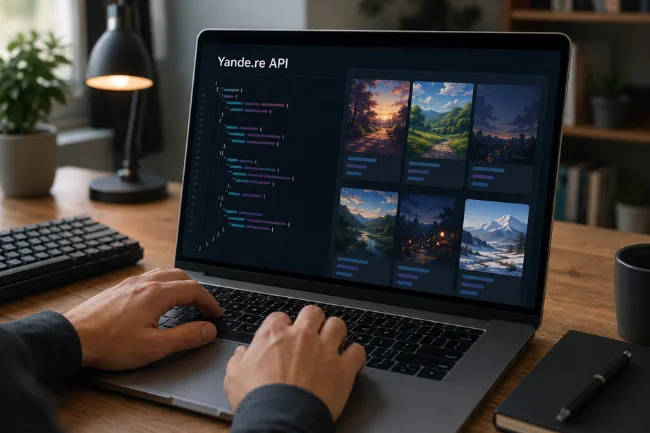
The API allows software to request post metadata in JSON or XML-compatible workflows, depending on the endpoint and API version. A basic read request can retrieve posts matching the same tags and metatags used in the website search.
A typical public JSON request follows this form:
https://yande.re/post.json?api_version=2&tags=landscape%20order:score&limit=20
Returned records may include an ID, tags, rating, dimensions, score, preview information, and file URLs. That data can support a personal wallpaper selector, metadata research tool, or archive index.
Developers should still verify the current API documentation before building anything permanent. Endpoint behavior, field availability, request limits, authentication rules, and cross-origin access can change. Cache results where appropriate, keep request volume conservative, and never design an application that strips artist or source information.
Yande.re vs. Other Anime Imageboards
No imageboard is universally “best.” The right choice depends on whether the priority is resolution, detailed tagging, broader coverage, or stricter content filtering.
| Platform | General strength | Main limitation | Better suited to |
|---|---|---|---|
| Yande.re | High-resolution, polished anime artwork and scans | Mature content and a less beginner-friendly interface | Wallpapers, visual references, and high-quality files |
| Danbooru | Deep tagging, wiki documentation, and a large database | Advanced features can take time to learn | Precise research by artist, character, or subject |
| Gelbooru | Broad collection and familiar booru search model | Quality and moderation can feel less consistent | Wide discovery across many fandoms |
| Konachan | Wallpaper-oriented anime images | Narrower use case than a general art database | Desktop and mobile wallpaper searches |
| Safebooru | More filtered browsing focus | Smaller or less comprehensive results for some topics | Users prioritizing safer discovery |
These distinctions are tendencies, not permanent guarantees. Collections, rules, filters, and account policies can change, so inspect the current site before relying on an old comparison.
Common Problems and Practical Fixes
If Yande.re is not loading, first check whether the problem affects the whole site or only your device. Try a private browser window, disable a conflicting script blocker temporarily, clear cached site data, and test another network.
If the site opens but a search produces nothing, simplify the query. Confirm underscores, follow autocomplete suggestions, remove a wildcard or OR operator, and try the relevant copyright or character tag from an existing post.
If an image looks blurry, you may be viewing the preview or sample rather than the original file. If content filters appear ineffective, remember that ratings depend partly on community classification and are not infallible.
A Better Way to Use Yande.re
Yande.re works best when treated as a structured research archive, not a source of free commercial artwork. Start with one reliable artist, character, or copyright tag. Add a resolution, ratio, score, or rating filter only when it improves the result. Then preserve the source details for anything you save.
That approach is faster, safer, and more respectful to creators than collecting anonymous files through random image searches. Visit the official documentation before using advanced account or API features, and check the original creator’s terms before republishing any artwork.
Frequently Asked Questions
What is Yande.re used for?
Yande.re is used to search, browse, and organize tagged anime-style illustrations, scans, wallpapers, and other high-resolution artwork.
Is Yande.re the same as “yandere”?
No. Yande.re is an imageboard domain, while “yandere” describes a fictional character archetype whose affection becomes obsessive or dangerous.
Can I use Yande.re images commercially?
Not automatically. The ability to download an image does not grant commercial rights; check the original artist, source, and license first.
Does Yande.re contain adult content?
Yes, it can contain questionable or explicit material. Rating filters help reduce exposure, but community-applied ratings are not guaranteed to be perfect.
Do I need an account to browse Yande.re?
Much of the archive may be browsed without signing in, while features such as favorites, uploads, editing, or personalization can require an account and sufficient permissions.

Noah Sterling is a technology research writer with 8+ years of experience covering emerging technologies, software trends, digital tools, and innovation. He creates practical, research-based articles to help readers understand the evolving technology landscape.