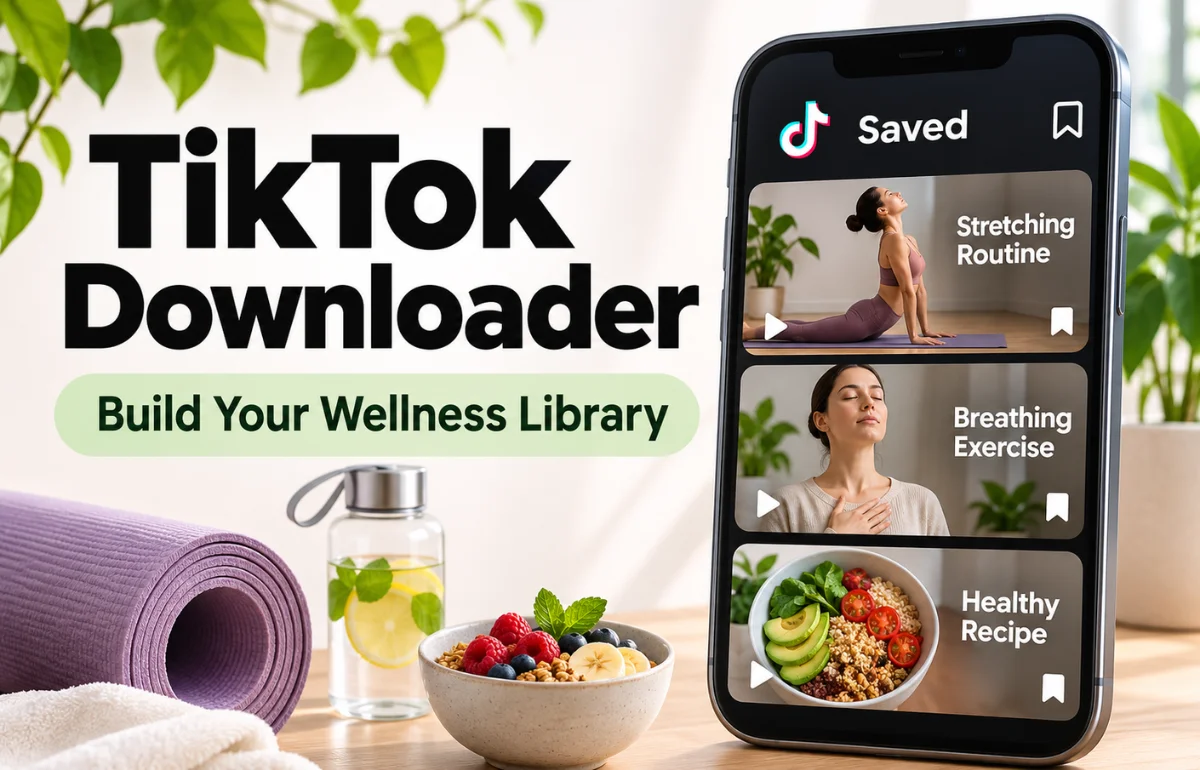
You open TikTok for a ten-minute stretching routine, and half an hour later you’ve watched a skincare debate, a dog on a skateboard, and no stretching at all. Wellness videos can be useful, but the feed around them makes it hard to act on what you find. A TikTok downloader offers a calmer approach. Save the few clips that really help you as files on your phone, then open them directly when it’s time for your routine, without the app and its endless suggestions.
Why a small library can support better habits
Habits are easier to keep when the next step is simple and the distractions are few. A personal folder of saved videos helps because:
- You skip the feed: your routine starts straight away, with nothing competing for your attention.
- You stay consistent: the same clips become familiar, so you can focus on the movement rather than the instructions.
- It works offline: you can follow a routine at the park, in a hotel room, or at the gym.
- Your clips stay available: creators sometimes delete videos or make their accounts private.
What to save, and what to leave behind
Movement and fitness
Choose short routines that match your current level, such as morning mobility, desk stretches, or a gentle walk-and-strength session. Clear demonstrations of form are especially worth keeping.
Skin and hair care
Save videos that explain how to do something, such as applying sunscreen properly or caring for curly hair. Be more cautious with clips built around one miracle product or an extreme overnight change.
Calm and mental wellbeing
Breathing exercises, short guided relaxations, and journalling prompts are helpful to have on hand before a stressful meeting or at bedtime. Saving these as audio means you can listen with your eyes closed.
Simple nutrition ideas
Quick, balanced recipes and meal prep ideas are useful for busy weeks. Skip clips that promise rapid results or tell you to cut out whole food groups without good reason.
Family wellbeing
If you care for older parents, a saved video of gentle chair exercises can be easy to share and replay together. Check with their doctor or physiotherapist first.
How to save clips in three steps
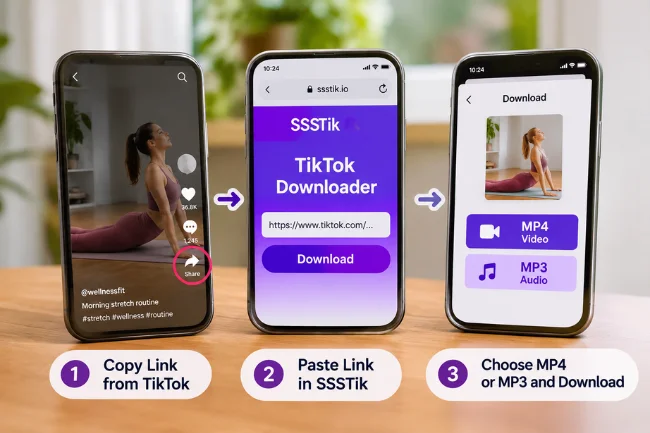
SSSTik is a free web-based tool that works in your browser, so there’s no extra app to install and no account to create.
- Open the video on TikTok, tap Share and choose Copy link.
- Paste the link into the input field on SSSTik.
- Tap Download and choose MP4 for video or MP3 for audio.
SSSTik gets the version without the watermark directly from TikTok, so you see the original upload without a logo moving across the screen, in HD when the creator posted in HD. It doesn’t store your download history or personal data, which many people will appreciate for health-related topics. One quick tik tok download on a quiet Sunday can set up your whole week’s routines.
Set a limit that keeps your library useful
A wellness library should reduce clutter, not add to it. These simple rules help:
- Keep it small: try a limit of ten clips per folder, and remove one when you add another.
- Name files by purpose, such as “Morning stretch 8 minutes” or “Breathing before bed”.
- Try a clip within a week of saving it. If you haven’t used it, you probably won’t.
- Review each month: keep what works and delete the rest.
Pair your folder with an everyday cue, too. Opening your stretching video right after you make your morning tea is easier to remember than a vague plan to exercise more.
Check health advice before you follow it
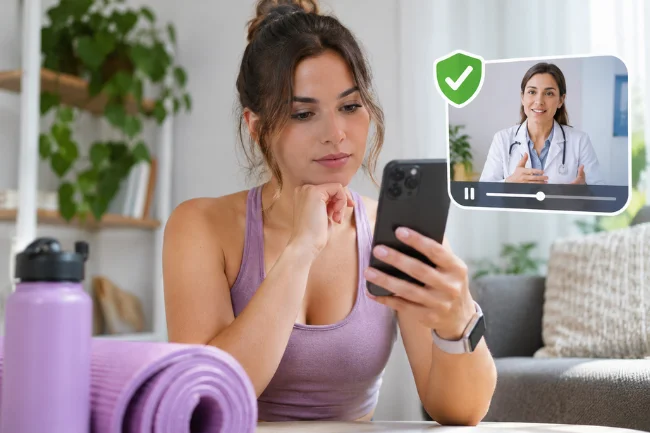
Anyone can post with confidence, and a popular video isn’t necessarily a safe one. Before you act on a clip, keep these points in mind:
- Check the person’s qualifications, and compare the advice with a trusted health source.
- Speak to a doctor or qualified professional before starting a new exercise plan, diet, or supplement, especially if you have a health condition or are pregnant.
- Patch-test new skincare products, and stop if you notice irritation.
- Stop any exercise that causes pain.
- If you are struggling with your mental health, a video isn’t a replacement for support. Reach out to a professional or someone you trust.
Respect the creators you learn from
Saved clips are for your own use, so please don’t re-upload them or present them as your own. If a creator helps you, follow them and credit them when you recommend their work. Some videos can’t be saved, including those from private accounts and posts that have been deleted.
Similar tools for other platforms
If you also find helpful routines on other social networks, fGet and SSSTwitter work with the same copy-and-paste steps.

Ava Bennett is a social media strategy writer with 7+ years of experience covering social platforms, content trends, audience engagement, and digital communication strategies. She creates practical insights to help readers understand the evolving social media landscape.