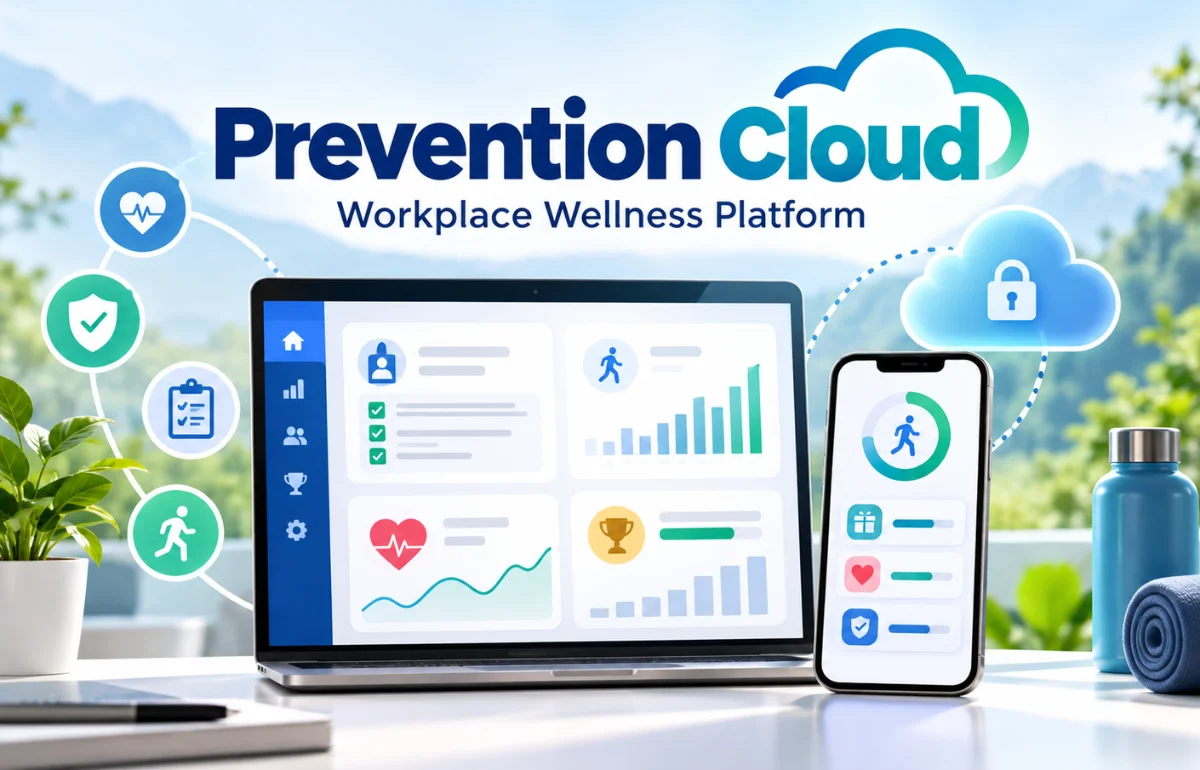
Prevention Cloud, usually written as PreventionCloud, is an online wellness platform that organizations use to manage employee health programs. It gives participants a place to complete health assessments, record eligible activities, submit forms, and follow their progress toward program incentives. Zomo Health identifies PreventionCloud among its wellness tools, and the official mobile listings name Zomo Health as the developer.
In everyday terms, it is the portal connecting your wellness activities with your employer’s program requirements. The software provides the tools; your organization determines which activities qualify and what rewards are available.
While researching this platform, I compared official app listings, privacy documents, and employer guidance. I have not tested a participant account. My focus here is helping you understand what the evidence supports and what to confirm before enrolling.
What Prevention Cloud Does—and Who It Is For
The platform serves people participating in an organization-sponsored wellness program. If your employer sends you an invitation, your first question should be whether you are eligible and which enrollment instructions apply.
A downloadable app does not automatically mean anyone can join the same program. I would confirm access through the benefits team before trying to create an independent account.
The broader purpose is population health management: helping an organization coordinate health activities across a group. For an individual employee, the practical questions are simpler. Can I access my account, complete the requirements, and see whether my work has been accepted?
Despite its name, this is a health and wellness platform. Articles about cloud security, malware prevention, or infrastructure protection address a different subject.
Features You May Find in Your Program
I would treat the feature list as a starting point for questions. Your organization’s configuration determines what you can actually use.
Health Assessments and Preventive-Care Forms
The iPhone listing describes health assessments, visit forms, biometric tracking, quizzes, events, and participation tracking. These tools can bring several program tasks into one interface.
Before arranging a screening, ask which form is accepted, who must complete it, and how to submit it. A completed appointment and an approved wellness activity are separate matters.
I also suggest checking whether a required activity must be completed before other points count toward your incentive.
Activity Tracking and Device Connections
Apple’s listing identifies Apple Health integration. Google Play describes optional Health Connect access for reading step counts, with permissions that users can revoke.
Before connecting anything, verify your device, operating system, and employer-enabled integrations. Do not assume that every wearable works simply because activity tracking is advertised.
My preferred first check would be a small, permitted test: compare one day’s device total with the number displayed in the wellness account.
Challenges, Learning, and Support
Google Play advertises challenges, personalized plans, fitness videos, emotional wellbeing resources, events, quizzes, and in-app chat.
For each activity, I would check its completion rule. Does participation require registration, a finished quiz, a recorded session, or a submitted form? That detail matters more than the activity’s title.
How to Access Your Prevention Cloud Account
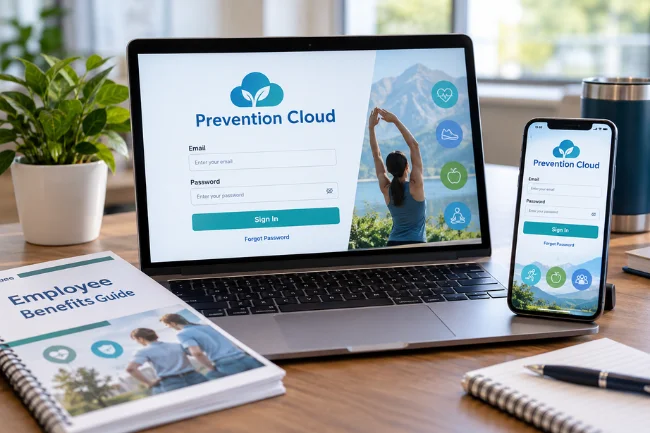
Start with your organization’s latest benefits instructions. They should identify the correct website, enrollment route, and contact for eligibility questions.
The official PreventionCloud login page accepts a username or email and password. It also offers password recovery, username retrieval, and a support email address.
Marathon County’s 2026 registration document directs participants to the website or app and requires a password change after initial access. Previously registered users are instructed to use their existing password. These instructions belong to that employer’s program.
I would never copy another employer’s credential instructions into my own account setup.
If access fails, confirm that your enrollment has been processed and that you are using the expected email address. Check spam folders for recovery messages, then contact support through the official channel.
A useful support request includes your organization, device, app version, approximate failure time, and exact error message. Keep passwords and unnecessary medical information out of the message.
Points and Rewards: Read Your Employer’s Rules
There is no single reward threshold that every Prevention Cloud participant should follow. I would use the current employer manual as the starting point for understanding incentives.
For example, Marathon County’s 2026 manual says eligible employees enrolled in its health plan can earn a 5% discount on their 2027 health insurance premium contribution by achieving 450 wellness points. Reaching 1,000 points also creates eligibility for prize drawings.
Those figures are an employer example, not a universal platform offer.
Check Dates, Required Activities, and Caps
The same manual identifies a required annual preventive health exam worth 300 points and an eligible service period running from November 1, 2025, through October 31, 2026. It also lists optional activities and point limits.
I would write down four things before participating: required activities, maximum points per category, service dates, and submission deadlines.
An activity performed within the correct year may still need timely documentation. Ask whether the deadline applies to receiving care, uploading evidence, approval, or all three.
Keep your reward calculation separate from the headline percentage. As a hypothetical example, if a qualifying discount applies to a $200 monthly employee premium contribution, 5% would equal $10 monthly. Your actual eligible amount and payment schedule must come from benefits documentation.
My Three-Record Check for Missing Points
I recommend separating three records when something does not appear correctly. This is a troubleshooting framework, not a description of every employer’s dashboard.
| Record | What I would check | What it cannot establish alone |
|---|---|---|
| Activity evidence | Device history, appointment date, or completed quiz | Whether the program accepts the activity |
| Platform record | Uploaded form, tracking entry, or submission status | Whether all reward conditions are satisfied |
| Reward eligibility | Approved points, required tasks, and plan rules | Whether a payroll adjustment has already happened |
Imagine your watch records a walk, but the portal shows fewer steps. Start with permissions and data transfer.
If a form appears in the portal but points are missing, ask whether it is awaiting review or needs correction.
If points are approved but the reward has not appeared, check the payment schedule and eligibility conditions.
I would keep a simple log of submission dates and confirmation messages. Save sensitive documents securely, and avoid making unnecessary copies.
Privacy: What Information Does Prevention Cloud Handle?
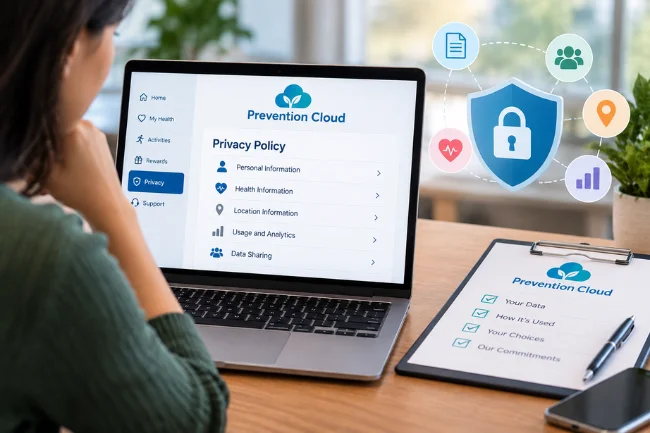
This is the part I would read before completing a health questionnaire.
The published PreventionCloud privacy policy, dated October 17, 2024, describes potential collection of contact, employment, demographic, browsing, location, and health information. Its health categories include biometrics and activity-related information.
The policy says information is used for service delivery, analytics, and marketing. It discusses service-provider sharing, anonymized research-related sharing, international transfers, and requests for personal information or deletion. It also states that personal information is not sold, traded, or rented.
Can Your Employer See Your Health Results?
I would not infer employer visibility from the existence of a wellness portal. Ask which roles can see individual responses, measurements, uploaded forms, and participation status.
Request a distinction between individual records and aggregate reporting. Ask whether your employer receives completion information, identifiable health results, or both.
A useful answer should identify the recipient and data category, rather than simply say that information is confidential.
What Happens When You Leave?
The policy describes retention according to service needs and applicable requirements. It allows deletion requests, subject to exceptions, and provides support contact details. It also contains marketing and telemarketing provisions worth reviewing.
My follow-up questions would be practical: When does account access end? Which records remain? How do I submit a request? Does an employer agreement change the process?
A published policy explains stated practices. It does not independently demonstrate how every security control performs. I would seek employer-specific clarification before sharing information I do not understand.
What User Reviews Can—and Cannot—Tell You
When I checked the available store listings, the retrieved US App Store page showed 2.6 out of 5 from 19 ratings. Google Play showed 1.8 stars and 47 reviews. These are dated research snapshots; live totals can change.
The visible feedback included praise for tracking participation and submitting forms, alongside complaints about challenges, syncing, and account access.
I would use these comments to choose what to test early, rather than assume every complaint remains unresolved.
Check the review date, operating system, and version where available. A mobile-app rating also does not measure the quality of an employer’s reward rules, clinical services, or benefits administration.
If you already have access, try essential functions well before the program deadline.
Prevention Cloud Versus a Personal Fitness App
If you already track exercise elsewhere, you may wonder why another account is needed. I would compare the tools by the job you need each one to perform.
| Question | Organization-sponsored wellness platform | Typical personal fitness app |
|---|---|---|
| Main purpose | Coordinate participation in an organization’s program | Support personal tracking or training |
| Rules to check | Employer activities, evidence, deadlines, incentives | App features, subscription terms, personal goals |
| Reward question | Does approved participation meet benefit conditions? | Are any rewards available under the app’s terms? |
| Account access | Verify organization eligibility and enrollment | Check the app’s registration requirements |
| Best evaluation | Can I complete the program reliably? | Does it support my preferred routine? |
This is a category comparison, not a claim that every fitness app has identical features.
For me, the distinction comes down to administration. Recording a run can support a personal goal. Earning an employer incentive requires meeting a separate set of conditions.
Why Older Employer Examples Need Care
One finding from my research deserves attention: an employer’s historical PreventionCloud instructions may no longer describe its current program.
University of Alaska’s FY23 notice describes PreventionCloud participation and a seven-point requirement for a $600 rebate. Its current wellness page, updated July 1, 2026, names Personify Health and specifies eight points, including required activities.
That does not establish why the provider changed. It shows why an old search result should not become your enrollment instructions.
My source order would be the current employer manual first, official product documentation second, and older articles for background. Check the plan year as carefully as the publication date.
The US employer examples here also do not establish eligibility in another country. For an international workforce, ask about local enrollment, languages, support hours, and data arrangements.
What I Would Ask Before Choosing the Platform for a Business
If I were evaluating Prevention Cloud for an organization, I would request a demonstration using realistic employee tasks.
I would ask the vendor to show enrollment, a form correction, an approved activity, and a reward report. A demonstration should also show what administrators can see.
Zomo Health’s platform page advertises customizable challenges, plans, events, incentives, reporting, and localization. I would translate those advertised capabilities into written requirements for the proposed program.
My shortlist of questions would include:
- Which integrations are included in the proposed package?
- What are the setup, recurring, support, and incentive-related costs?
- Can employees complete activities without a wearable?
- What accessibility options and alternative activities are available?
- How are disputed points and departing employees handled?
- Which security documents can the procurement team review?
I would also ask for outcomes with clear definitions, time periods, and comparable populations. Increased participation and reduced healthcare spending are different measures.
My Recommendation: Check Your Program Before You Commit
Prevention Cloud can provide a central place to manage organization-sponsored wellness activities. Its usefulness to you depends on access, clear rules, working features, and understandable data practices.
My next move would be straightforward: open the latest employer manual, confirm the deadline and required tasks, and review the privacy notice. Then check one essential function early and resolve problems before they threaten your reward.
Frequently Asked Questions
What is Prevention Cloud used for?
Prevention Cloud helps organizations manage wellness participation, health activities, forms, and incentives. Your employer’s program determines the specific requirements.
Is Prevention Cloud a legitimate platform?
Official Zomo Health materials, app listings, and employer documents identify PreventionCloud. Verify your invitation and login link through your benefits team.
Is Prevention Cloud free to use?
The US iPhone listing labels the download as free. That does not establish employer contract pricing or your program’s participation terms.
Why are my Prevention Cloud points missing?
I would check activity eligibility, submitted evidence, review status, and category limits. Your benefits team or official support can investigate the specific record.
Can my employer see my Prevention Cloud health information?
Visibility depends on the program’s permissions and arrangements. Ask which individual records your employer receives and how that differs from aggregate reporting.

Claire Morgan is a health and wellness writer with 7 years of experience creating clear, research-informed content on nutrition, sleep, movement, preventive habits, and everyday wellbeing. She focuses on making reliable health information practical and easy to understand. Her articles are educational and do not replace professional medical advice.