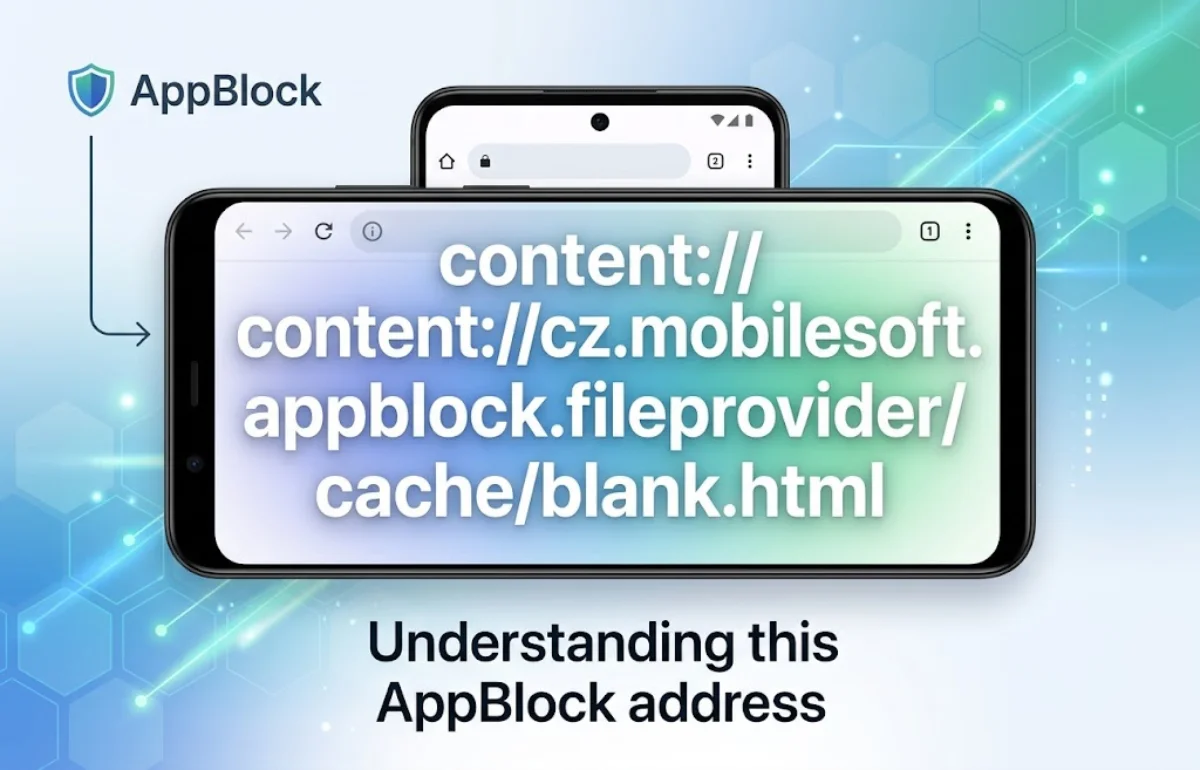
content://cz.mobilesoft.appblock.fileprovider/cache/blank.html is an Android content URI associated with AppBlock, MobileSoft’s app and website blocker. It identifies an HTML resource named blank.html through an app content provider. If it replaces a website while AppBlock is enforcing a restriction, the likely explanation is a local placeholder being displayed after blocking. It is not an ordinary public website address, and seeing it alone does not establish that your phone has malware.
I would first check what happened immediately before the address appeared. A deliberately blocked website, an unexpected restriction, and an old browser-history entry need different responses. Understanding that difference can save you from deleting settings or removing an app that is working as configured.
What the AppBlock Address Actually Tells You
The address looks complicated because it exposes an Android resource identifier that most people rarely need to read. Its components describe how an application can make a resource available to another app.
The underlying package identifier, cz.mobilesoft.appblock, matches the official AppBlock Google Play listing. However, the address alone does not verify the installed app’s authenticity, its current settings, or the contents of the referenced file.
The content:// prefix
This prefix identifies a resource accessed through an Android content provider. It differs from https://, which is used for secure web addresses.
Android’s FileProvider mechanism lets an application share selected files through content URIs and grant access permissions. It avoids requiring the receiving app to use a raw filesystem path.
The provider authority
The middle portion, cz.mobilesoft.appblock.fileprovider, is the provider authority. Think of it as the identifier Android uses to locate the component responsible for answering the resource request.
An authority often includes an application’s package name, but the two are not interchangeable terms. Here, the fileprovider suffix indicates the naming pattern commonly used for file sharing.
The cache path and HTML filename
The final portion, /cache/blank.html, identifies the exposed path and filename. The name suggests an HTML placeholder under a cache mapping.
There is a technical detail I would keep in mind: FileProvider path segments can be aliases defined by the developer. The visible word cache does not independently reveal the exact physical directory. Android’s documentation explicitly separates the exposed path name from its storage mapping.
Why the Address Appears Instead of Your Website
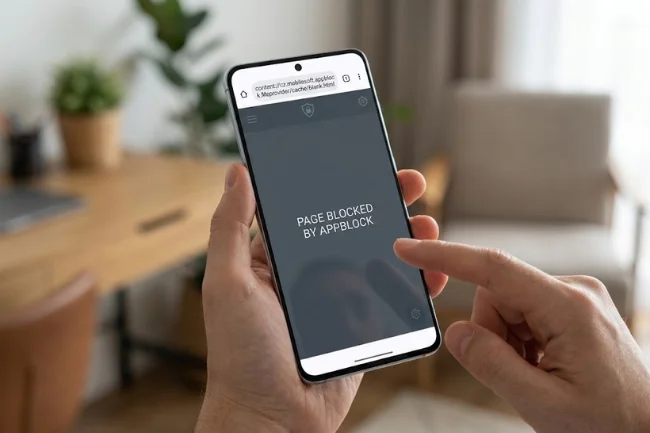
AppBlock supports website restrictions on Android, including rules applied through schedules. Its website-blocking features rely on Accessibility access in supported browsers.
When this particular URI appears during a restriction, a placeholder is the most plausible explanation. That is an interpretation of the address and its context, not proof that every AppBlock version uses an identical blocking method.
An active rule matches the destination
Check whether the website belongs to an active blocklist, matches a blocking keyword, or falls outside an allowlist. Also check whether the browser itself is restricted.
A useful hypothetical example is a study schedule that permits a learning website while blocking the browser used to open it. The website exception and the browser restriction can conflict.
AppBlock documents a related situation: Google Search can hand a result to Chrome, and the page can then be blocked if Chrome is restricted, even when the website is allowed.
You reopened an older placeholder
A saved history entry and a fresh navigation attempt are different evidence. If the address appears only after selecting an old entry, you may simply be reopening that resource identifier.
I would open a new tab and type the original website address directly. If it opens normally, that result points toward a historical entry rather than a continuing block.
The resource cannot be reopened
Content URI access can depend on permissions granted when an app shares a file. Copying the address elsewhere does not necessarily carry those permissions with it.
Consequently, a failed attempt to reopen the URI does not automatically mean the website or your internet connection is broken.
Is content://cz.mobilesoft.appblock.fileprovider/cache/blank.html Safe?
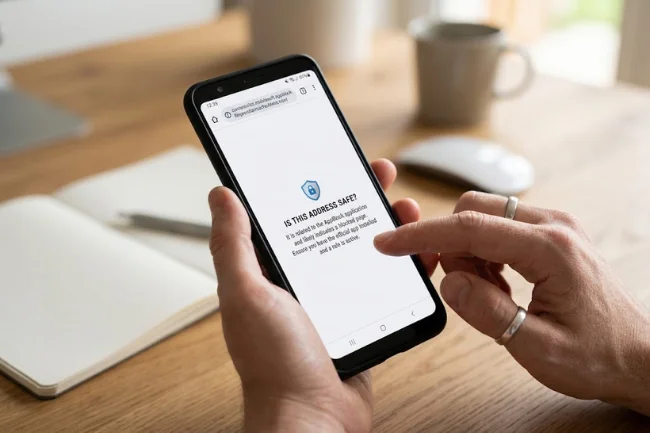
The address is consistent with an AppBlock-related resource. If you installed the official app and it appears when a configured restriction activates, that context supports an ordinary blocking explanation.
However, I would avoid promising that any technical-looking string is “100% safe.” A filename is not a security audit, and a local resource identifier does not describe everything an application does.
Start with three checks: confirm the installed app, review the rule that should be active, and establish whether the address appears during a new block or only in historical records.
If you do not recognize AppBlock, check your installed applications and consider whether a parent, workplace administrator, or someone helping configure the device installed it. On a managed device, ask the responsible person before changing restrictions.
Does it mean someone is tracking your browsing?
The URI alone cannot establish surveillance or rule it out. Reading a destination to enforce blocking, recording usage statistics, and transmitting information are separate activities.
AppBlock says Accessibility allows it to read the current screen and detect interaction for features such as website blocking. The same permission is optionally used for website-usage statistics. That makes an unconditional claim that AppBlock never tracks website usage inaccurate.
For a privacy question, review enabled statistics features and the current privacy disclosures linked from the official listing. Deleting blank.html would not answer what information those separate features handle.
Identify Your Situation Before Changing Anything
I would use this comparison to choose the first check. These are diagnostic starting points, not guaranteed explanations for every phone.
| What you observe | What to investigate | Useful first action |
|---|---|---|
| A deliberately restricted site becomes blank | Expected blocking behavior | Confirm the active rule; keep it if intended |
| An allowed site is blocked | Overlapping rules or a blocked browser | Review the destination and browser together |
| The URI appears only in history | An older resource entry | Enter the original URL in a new tab |
| Blocking starts at predictable times | A scheduled restriction | Check the schedule’s days and hours |
| You cannot change the blocking settings | Strict Mode or device management | Check the configured access method |
| You do not recognize the application | App identity and installation context | Review installed apps and official listing details |
Record one observation before making a change. For example: “The learning site opens directly in Chrome but fails when selected through Google Search.” That is more useful than “the browser is broken.”
How to Resolve an Unexpected AppBlock Blank Page
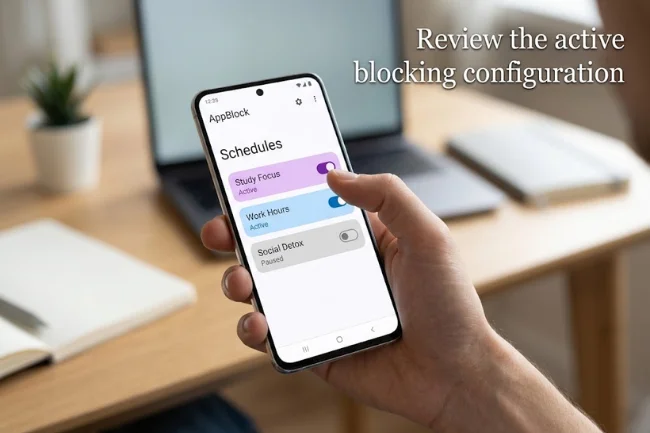
1. Review the active blocking configuration
Open AppBlock and find the blocking controls. Current support instructions refer to Blocking and Schedules, although labels can differ between releases.
Inspect the active schedule, its website entries, and any rule targeting your browser. If a restriction is unintended, edit or pause the relevant configuration using the controls available to you.
I would change one relevant setting, then retry the original destination in a new tab. Changing several settings together makes it harder to identify which rule caused the problem.
For example, if the website opens after one schedule is paused, you have narrowed the issue to that configuration. Review its entries before reactivating it, rather than abandoning all your focus settings.
2. Check Strict Mode if changes are unavailable
Strict Mode is designed to prevent changes to blocking settings. Depending on its configuration, it can also restrict device settings and prevent uninstallation.
Use the access method you configured, such as a PIN, timer, charger condition, cooldown, or approval contact. If you cannot complete the required method, consult AppBlock’s support flow.
An unavailable pause or uninstall control can therefore be intentional. Repeatedly tapping it or trying unrelated browser settings will not explain the restriction.
3. Retest the website, not the placeholder
After making an authorized change, close the affected tab and enter the original https:// address in a new one. Refreshing the placeholder only asks the browser to revisit that placeholder.
Try the same destination using the same browser first. Then, if necessary, compare opening it directly with opening it from the original search result or app.
Write down whether the failure follows the destination, the browser, or the route used to open it. That distinction gives support a much more specific problem to investigate.
4. Check updates and required permissions
If behavior remains inconsistent, check for AppBlock and browser updates through their official distribution channels. Note the installed versions before and after updating.
Also inspect whether AppBlock reports a missing required permission. Its permission documentation explains which features depend on each permission, so restore only what is needed for the features you intend to use.
I would not disable every permission as a general repair. That can stop blocking altogether while leaving the original configuration issue unexplained.
5. Consider cache clearing only for a persistent problem
On many Android phones, open Settings, select Apps, choose AppBlock, and open Storage or Storage & cache. Select Clear cache if available. Menu names vary by manufacturer.
Google distinguishes clearing temporary cache from clearing all app storage. Do not choose Clear storage or Clear data casually, because that action removes app data.
Cache clearing is not a website-rule editor. Even if a temporary placeholder is removed, an active blocking rule can still restrict the destination on the next attempt.
Clear Cache, Change Rules, or Uninstall: What Is the Difference?
These actions address different parts of the problem. I would choose according to the intended outcome, rather than treating them as interchangeable fixes.
| Action | Intended purpose | Main limitation or consequence |
|---|---|---|
| Edit a blocking rule | Correct an unwanted restriction | Other active rules may still apply |
| Pause a schedule | Temporarily stop that schedule’s blocking | Availability depends on configuration |
| Clear AppBlock cache | Remove temporary app data | Does not directly edit your blocklist |
| Clear AppBlock storage/data | Reset locally stored application data | May require setup again; data is removed |
| Delete a browser-history entry | Remove that recorded entry | Does not change AppBlock’s settings |
| Uninstall AppBlock | Remove the application | Its blocking features are lost |
If you choose to uninstall, Strict Mode protections may need to be deactivated first. AppBlock’s Android instructions also explain that its device administrator permission may need removal before uninstallation can proceed.
Do not uninstall merely to make the address disappear if you still want the blocking features. Correcting a mistaken rule is usually more aligned with that goal.
Details That Can Prevent a Misdiagnosis
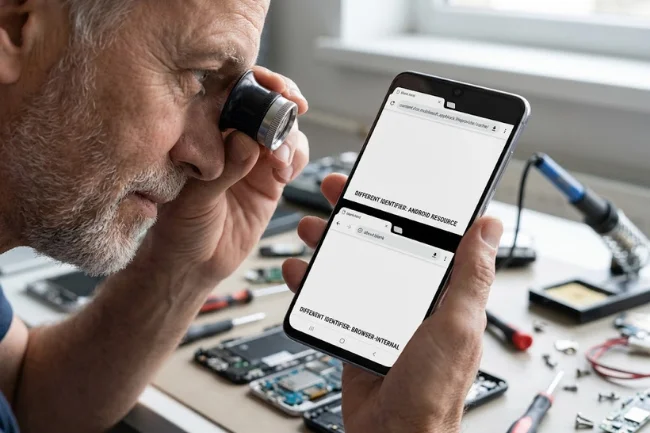
This address is different from about:blank
Both may be associated with an empty-looking page, but they are different identifiers. The AppBlock URI names an Android provider resource; about:blank is a browser-internal address.
If a troubleshooting instruction concerns one, do not assume it applies to the other. Copy the exact address when documenting the issue, since a shortened description can hide this distinction.
Browser site permissions serve a different purpose
Chrome controls for notifications, cameras, or JavaScript are not equivalent to an arbitrary website blocklist. Changing those permissions may affect how a page behaves without correcting an AppBlock restriction.
AppBlock’s own guidance explains that Chrome does not provide a built-in tool for blocking selected websites in the way a dedicated blocker does.
Device labels do not guarantee identical behavior
Android phones and tablets can have different settings layouts. On a Chromebook, establish whether the issue involves an Android app environment or a browser extension before following Android storage instructions.
A copied Android content URI is not a portable webpage. Seeing it on another device does not prove that device generated it or can open its underlying resource.
A useful support report needs context
If the problem continues, record your device model, Android version, AppBlock version, browser version, relevant rule, and the exact sequence that produces the blank page.
Include whether direct navigation works and whether the address appears again after a new attempt. A screenshot can help, but remove unrelated tabs, account details, and private URLs before sharing it with AppBlock support.
Your Next Move
When content://cz.mobilesoft.appblock.fileprovider/cache/blank.html appears, start by checking the active restriction and retrying the original website in a new tab. Keep intended blocks, correct unwanted rules, and use cache clearing only when it fits the symptoms. If the problem persists, send support a precise reproduction sequence instead of resetting the entire app.
Frequently Asked Questions
What is content://cz.mobilesoft.appblock.fileprovider/cache/blank.html?
It is an Android content URI associated with an AppBlock HTML resource. During website blocking, it is consistent with a placeholder replacing the requested page.
Is the AppBlock blank.html address a virus?
The address alone is not evidence of a virus. Verify the installed app and the circumstances in which it appears.
Why does blank.html appear in my browsing history?
Your browser may have recorded a placeholder navigation. An old entry does not prove a new blocking event is happening now.
Can I delete blank.html to unblock a website?
Deleting temporary files does not directly change blocking rules. Review the relevant schedule, blocklist, or browser restriction instead.
Why can’t I turn off or uninstall AppBlock?
Strict Mode can prevent changes and uninstallation. Use your configured access method or AppBlock’s official support process.

Noah Sterling is a technology research writer with 8+ years of experience covering emerging technologies, software trends, digital tools, and innovation. He creates practical, research-based articles to help readers understand the evolving technology landscape.